New Feature: Add to LinkedIn Profile
Let your recipients showcase their achievement where it matters most — with the new Add to LinkedIn Profile button in CertFusion.
Overview
Certificates are most valuable when they're visible. CertFusion now includes an Add to LinkedIn Profile button directly on each recipient's certificate page, making it effortless for recipients to add their credential to the Licenses & Certifications section of their LinkedIn profile in just a few clicks.
How It Works
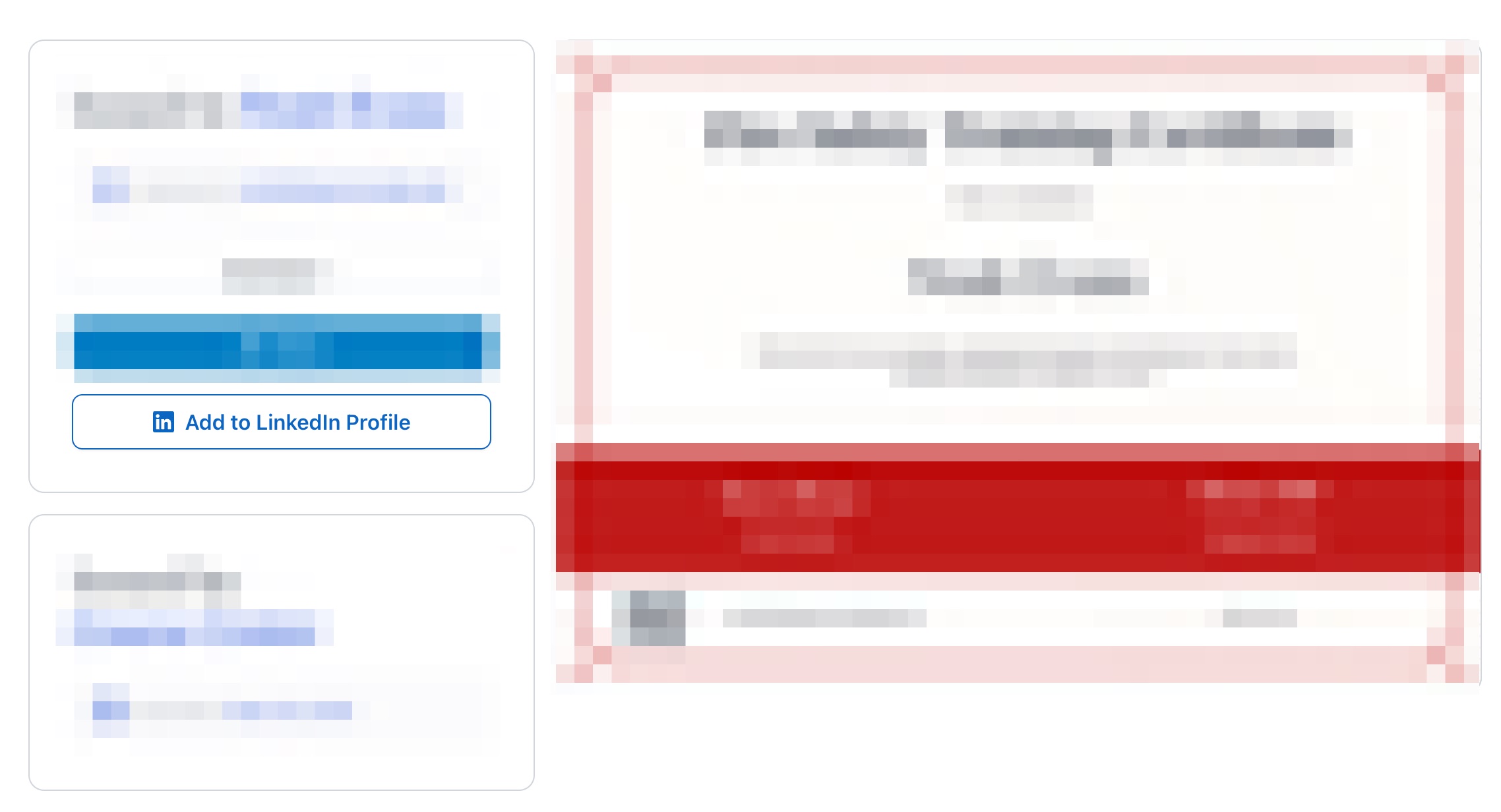
There's nothing extra to configure. Once a certificate is issued, the Add to LinkedIn Profile button appears automatically on the recipient's certificate view page — right alongside their certificate details.
When a recipient clicks the button, LinkedIn's certification form opens pre-filled with:
- Certificate name — pulled from your template
- Issuing organization — your organization's name
- Issue date — the date the certificate was issued
- Credential URL — a direct link back to the certificate's verification page on CertFusion
The recipient simply reviews the pre-filled details and saves it to their LinkedIn profile. That's it.
What Recipients See
On their certificate page, recipients will find:
| Element | Description |
|---|---|
| Certificate details | Their name, course/program, and issue date |
| Add to LinkedIn Profile button | A one-click button to add the credential to LinkedIn |
| Verification link | A unique URL that anyone can use to verify the certificate's authenticity |
Use Cases
Here's how this feature benefits both you and your recipients:
- Boost perceived value — Certificates that recipients can proudly display on LinkedIn carry more weight, making your program more attractive to future participants.
- Increase sharing — A frictionless sharing experience means more recipients will actually follow through and share their credential.
- Drive organic visibility — Every time a recipient adds your certificate to their LinkedIn profile, your organization gets a mention — free, organic exposure to their professional network.
- Support professional development — For courses tied to CPD, CME, or continuing education, LinkedIn recognition adds meaningful credibility for your recipients.
Good to Know
- Automatic — The button appears on all newly issued certificates with no setup required.
- Pre-filled data — LinkedIn's form is populated automatically using the certificate's details, minimizing friction for recipients.
- Works with verification — The credential URL added to LinkedIn links directly to CertFusion's certificate verification page, so anyone who views the credential on LinkedIn can instantly verify it's real.
Getting Started
No action needed on your end. Issue certificates as you normally would — the Add to LinkedIn Profile button will appear on every recipient's certificate page automatically.
We'd love to hear how your recipients respond to this feature. If you have feedback or suggestions, feel free to reach out!
Table of Contents
Related Articles
Discover more insights and stories that might interest you