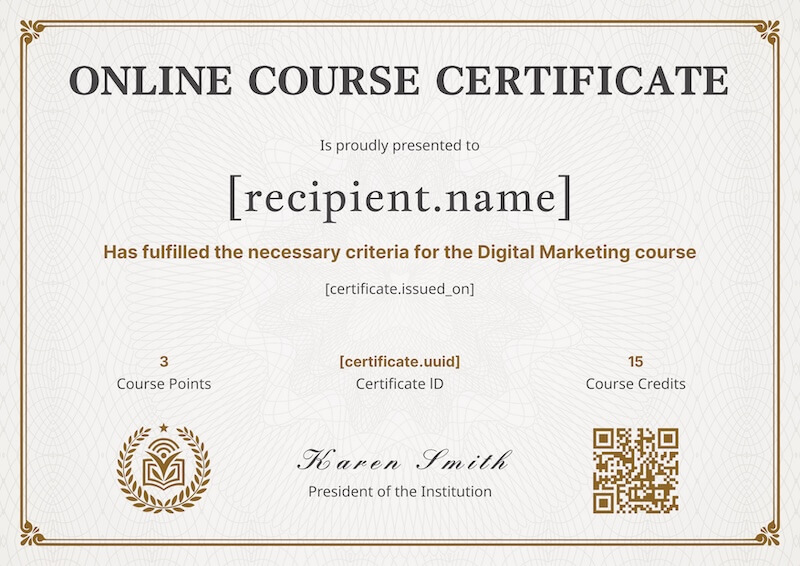
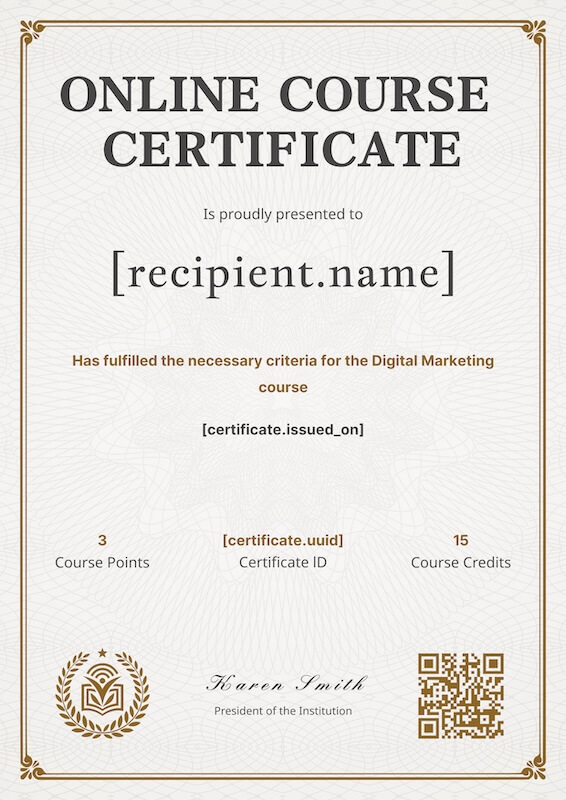
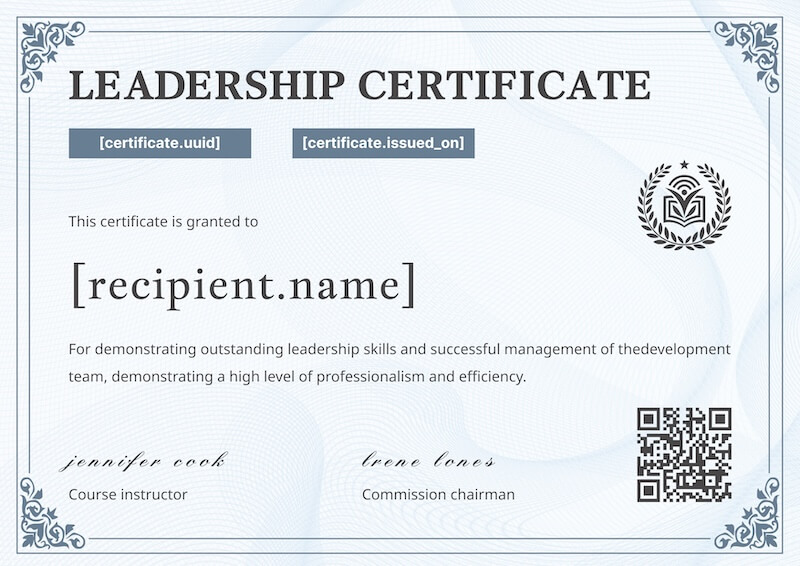
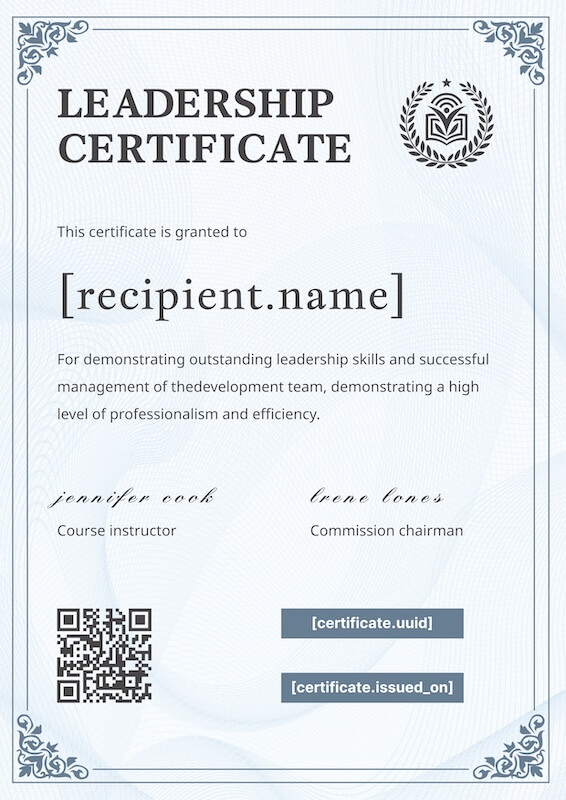
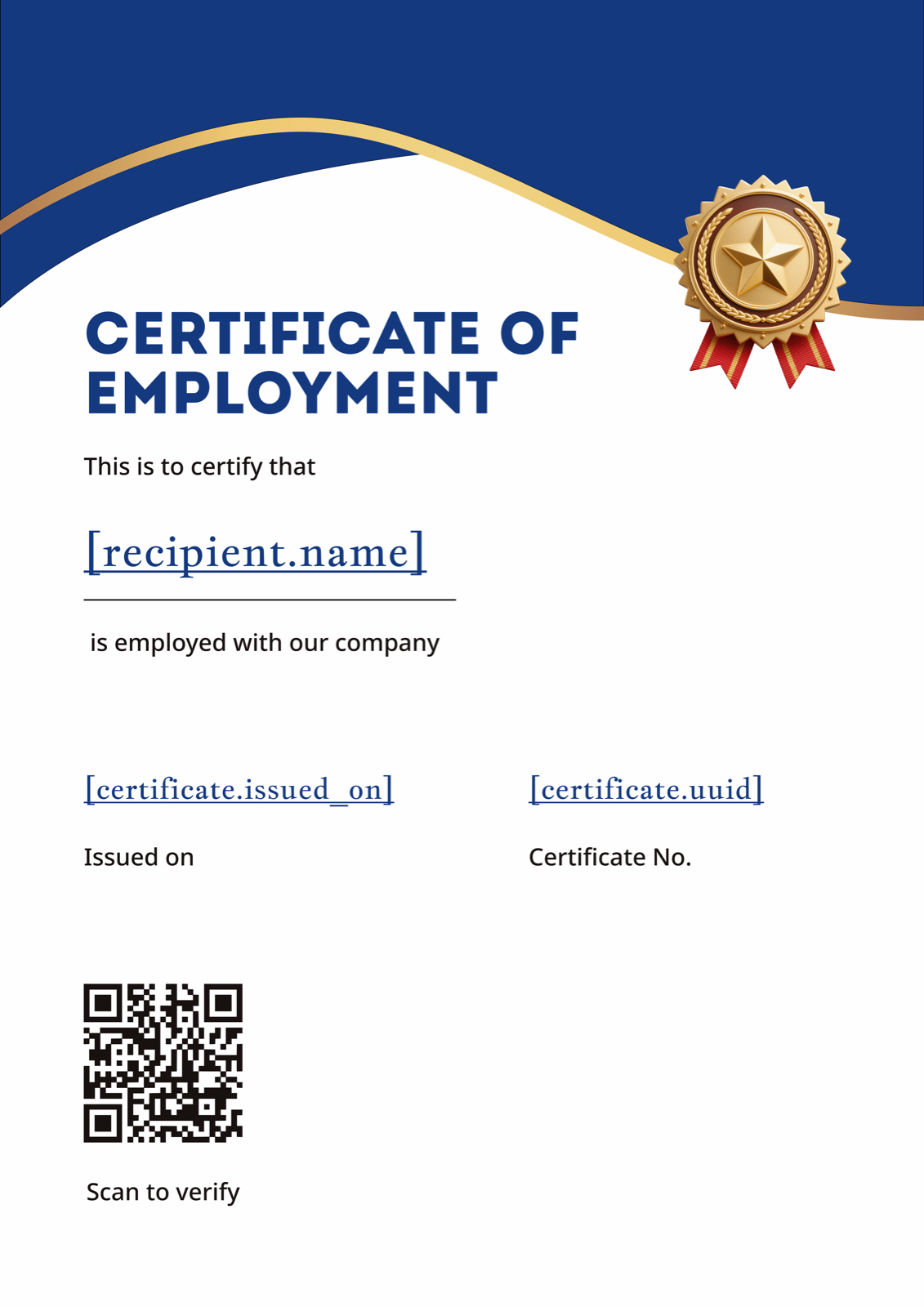
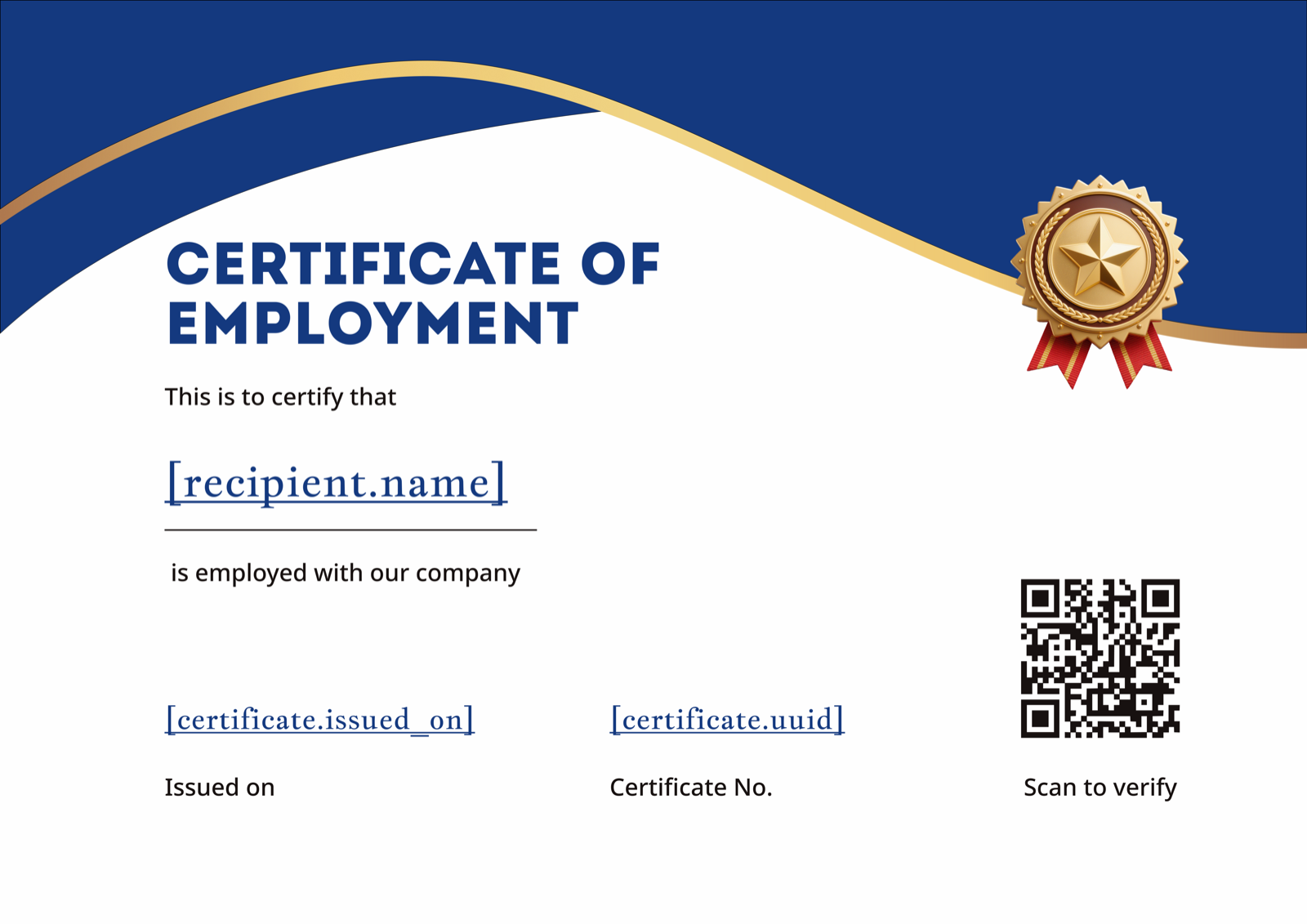
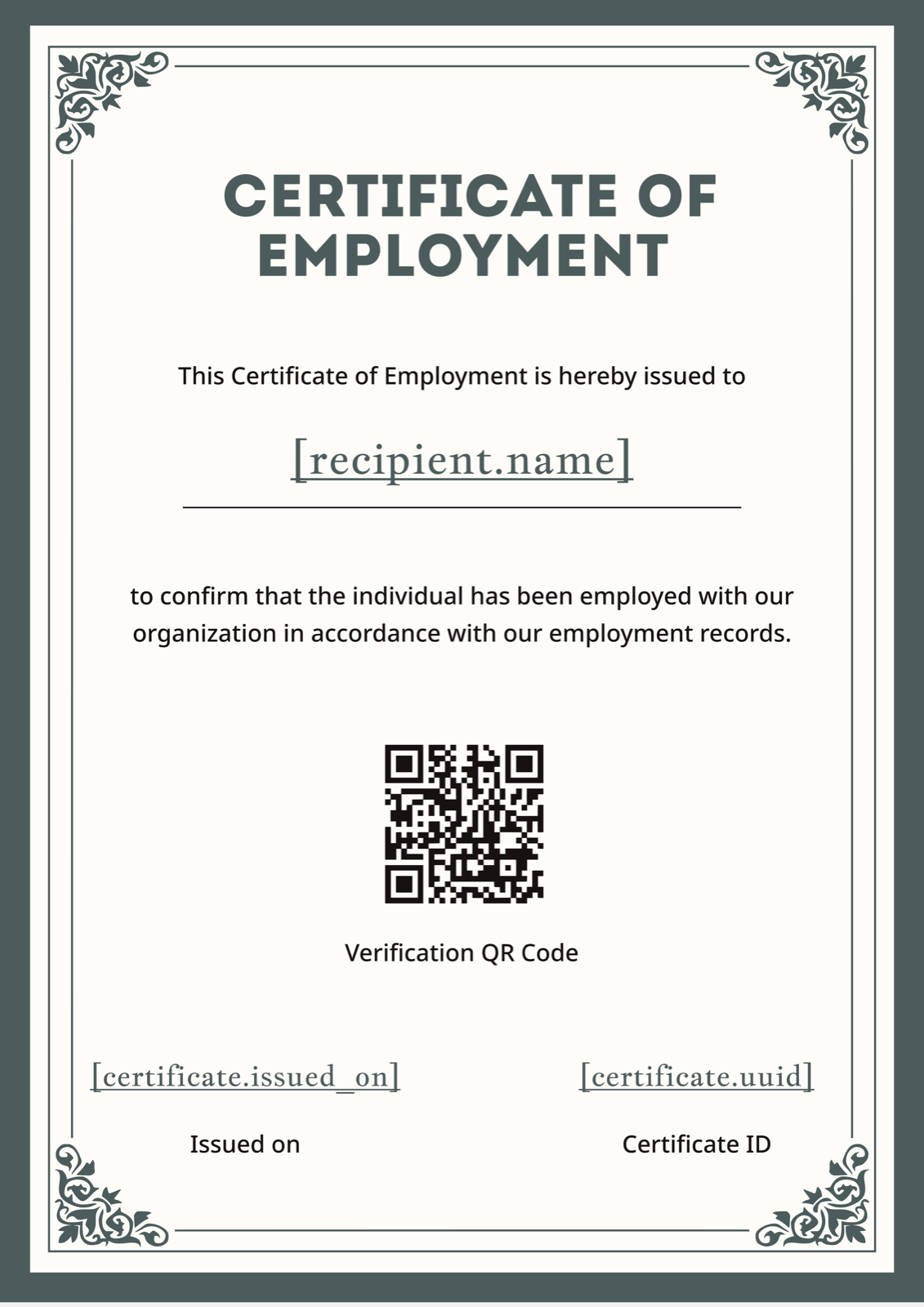
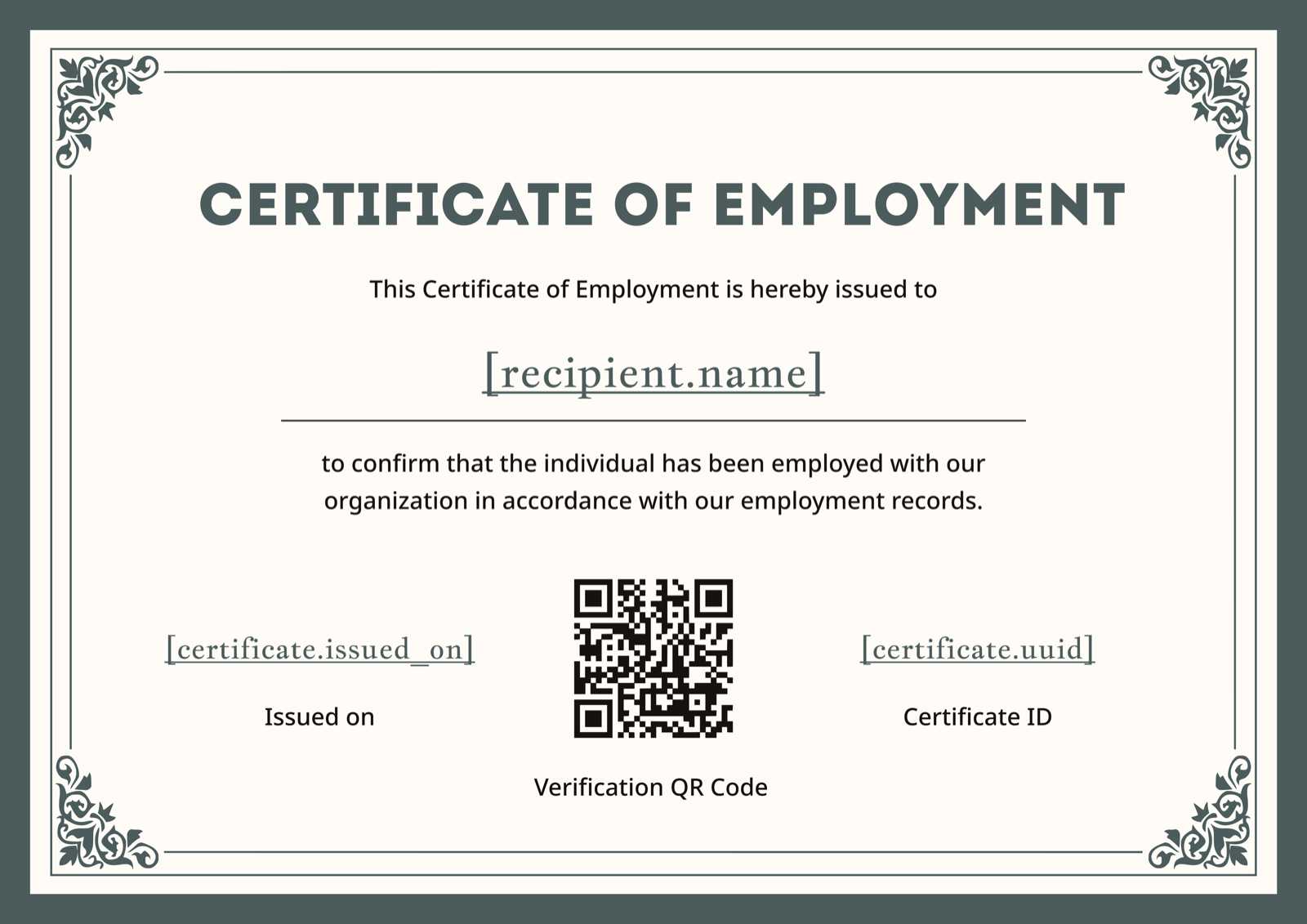
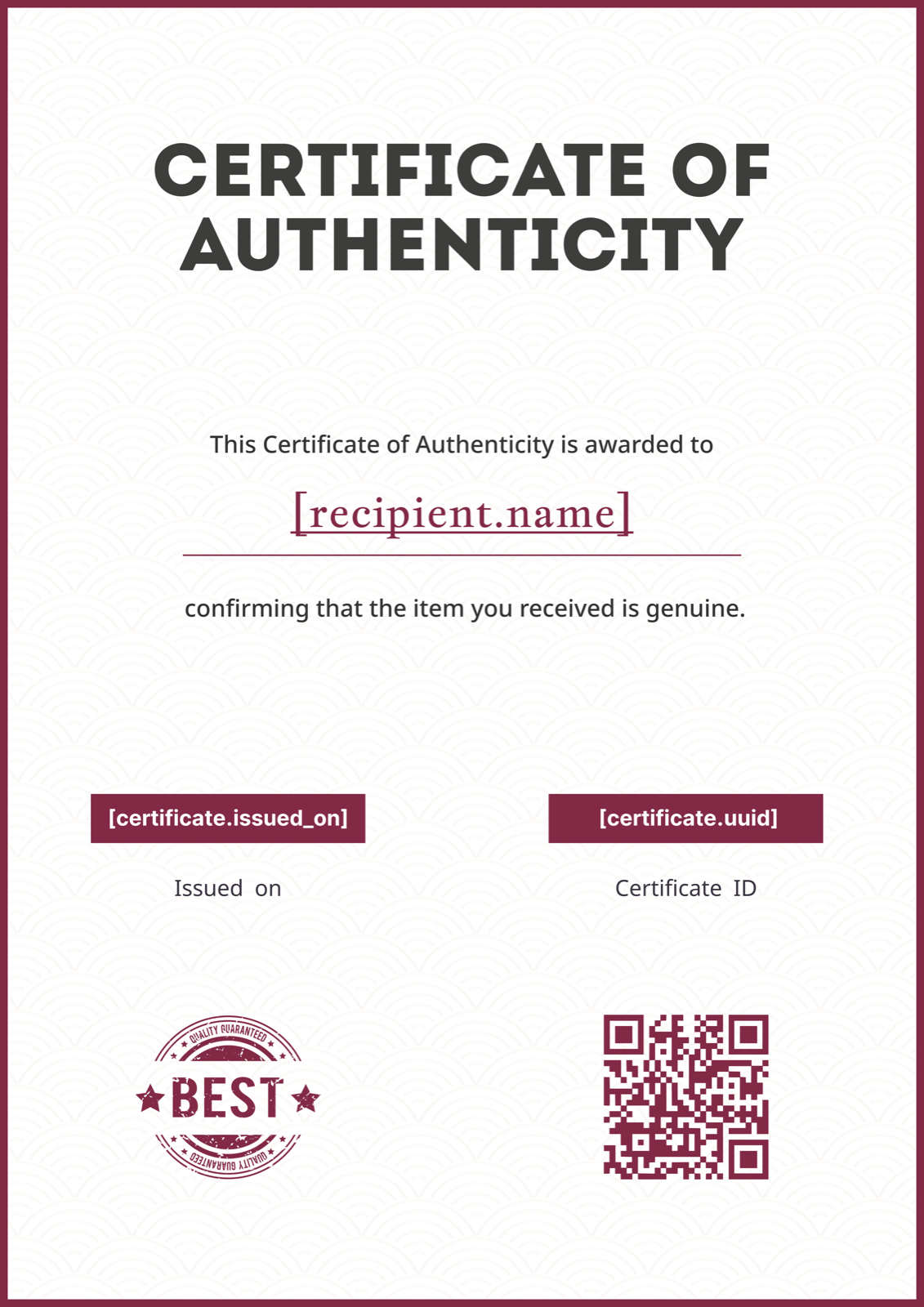
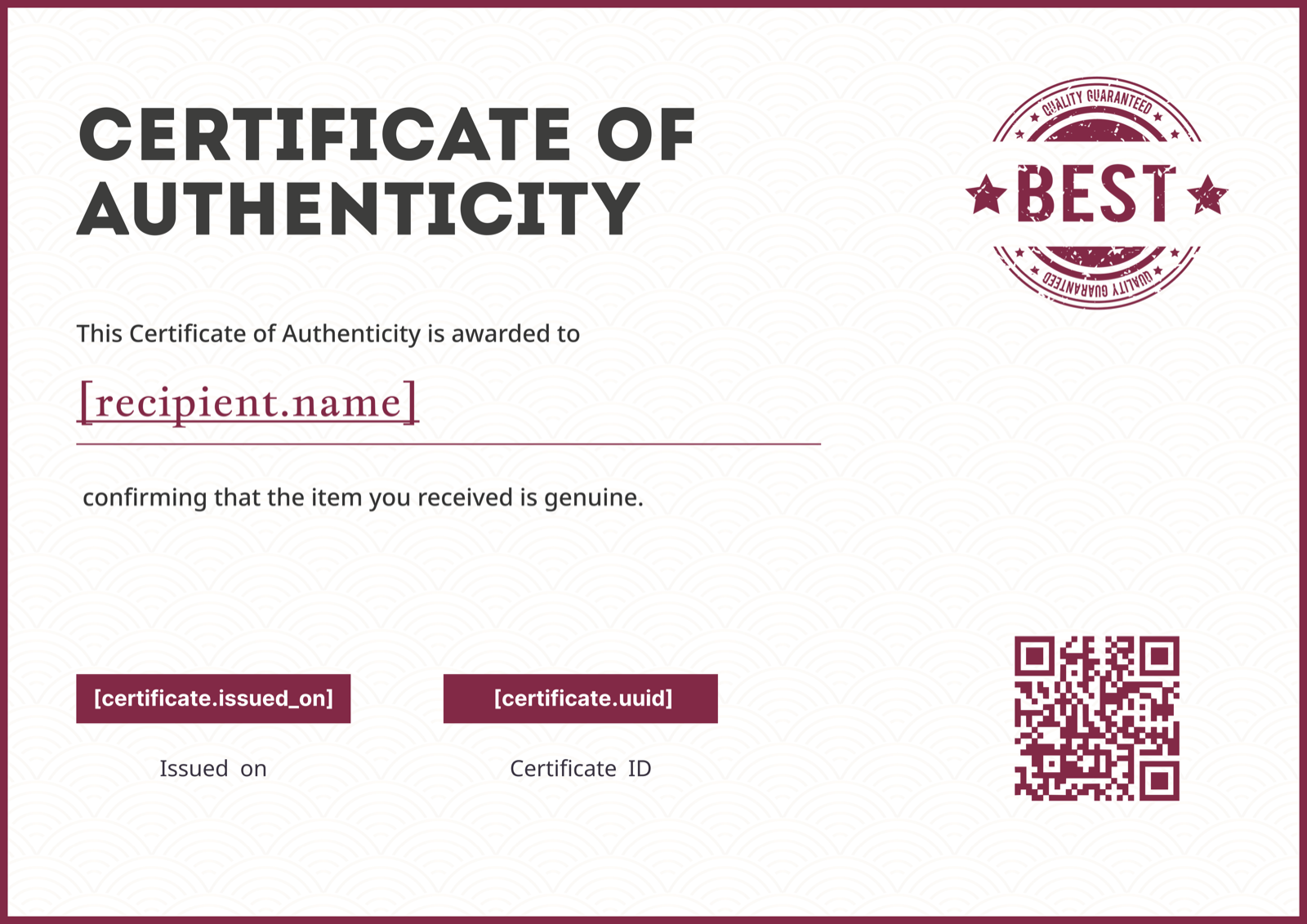
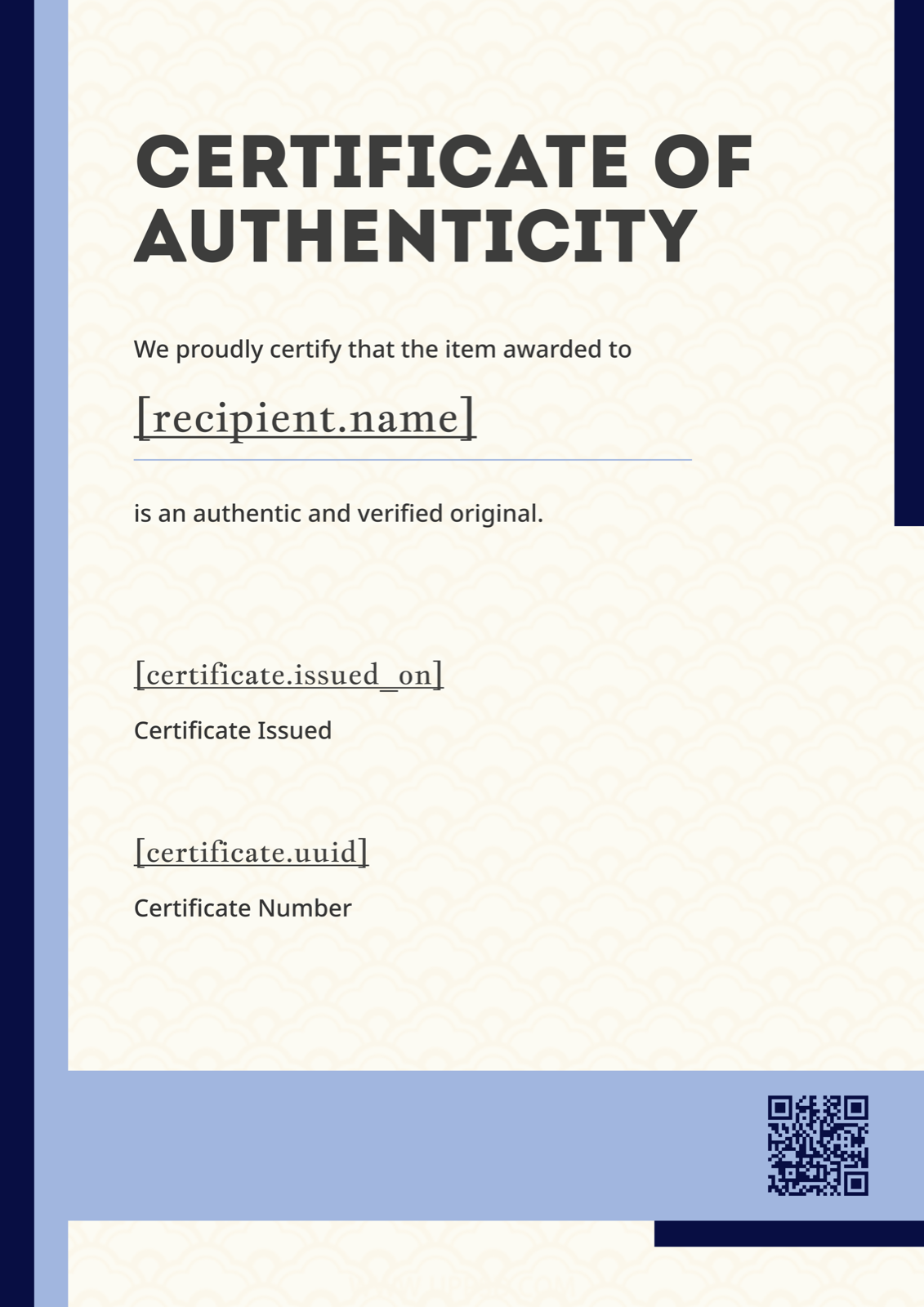
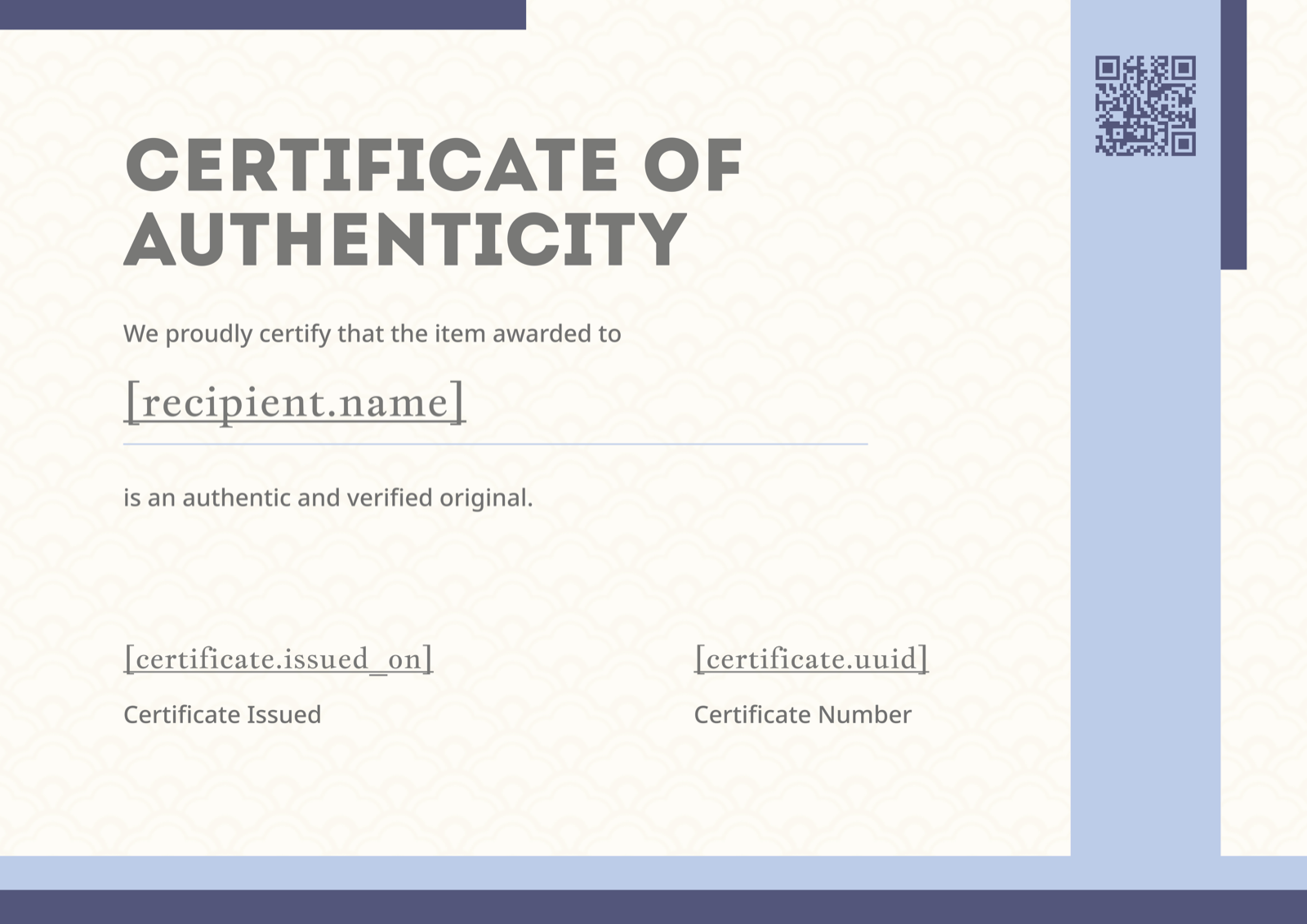
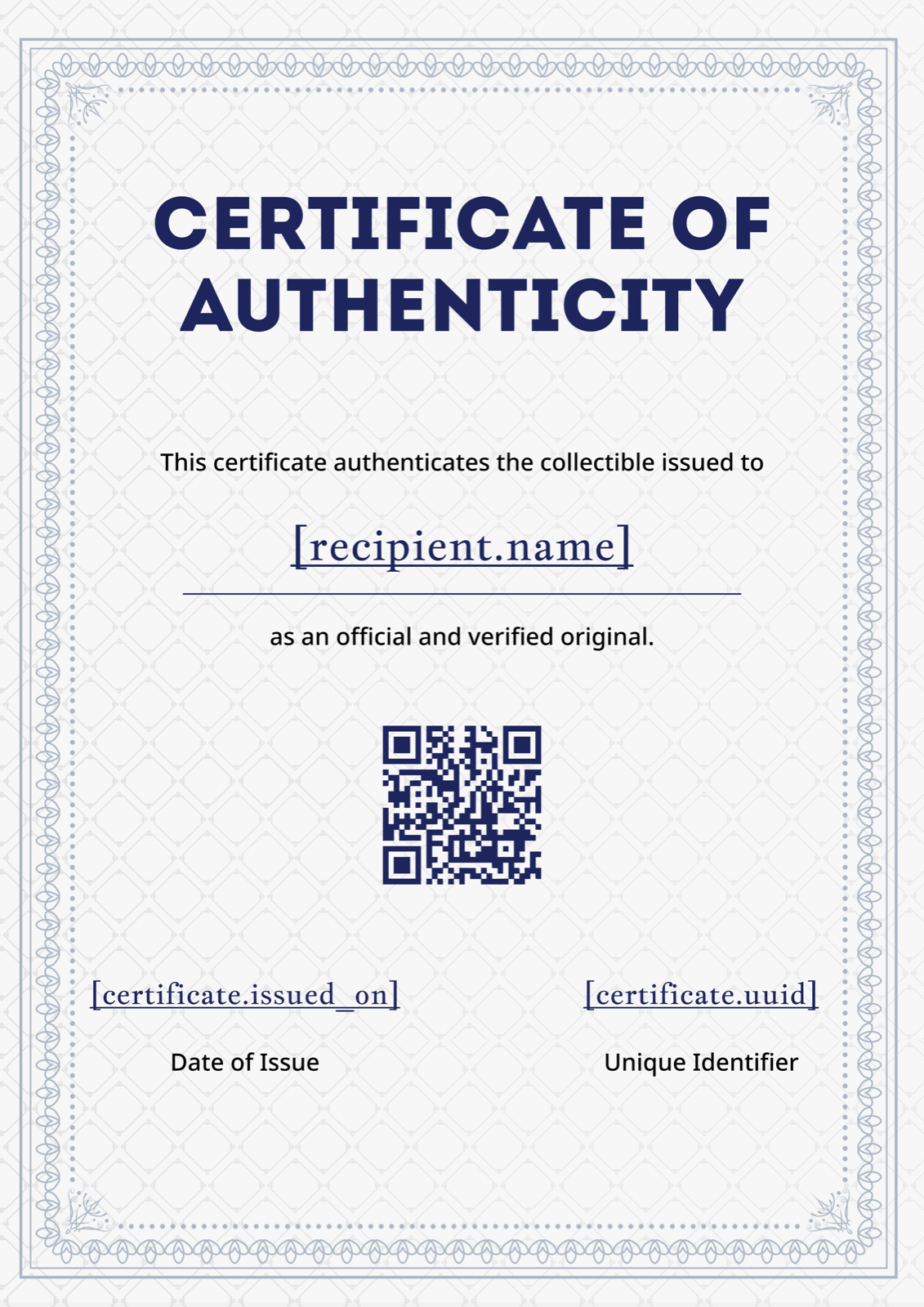
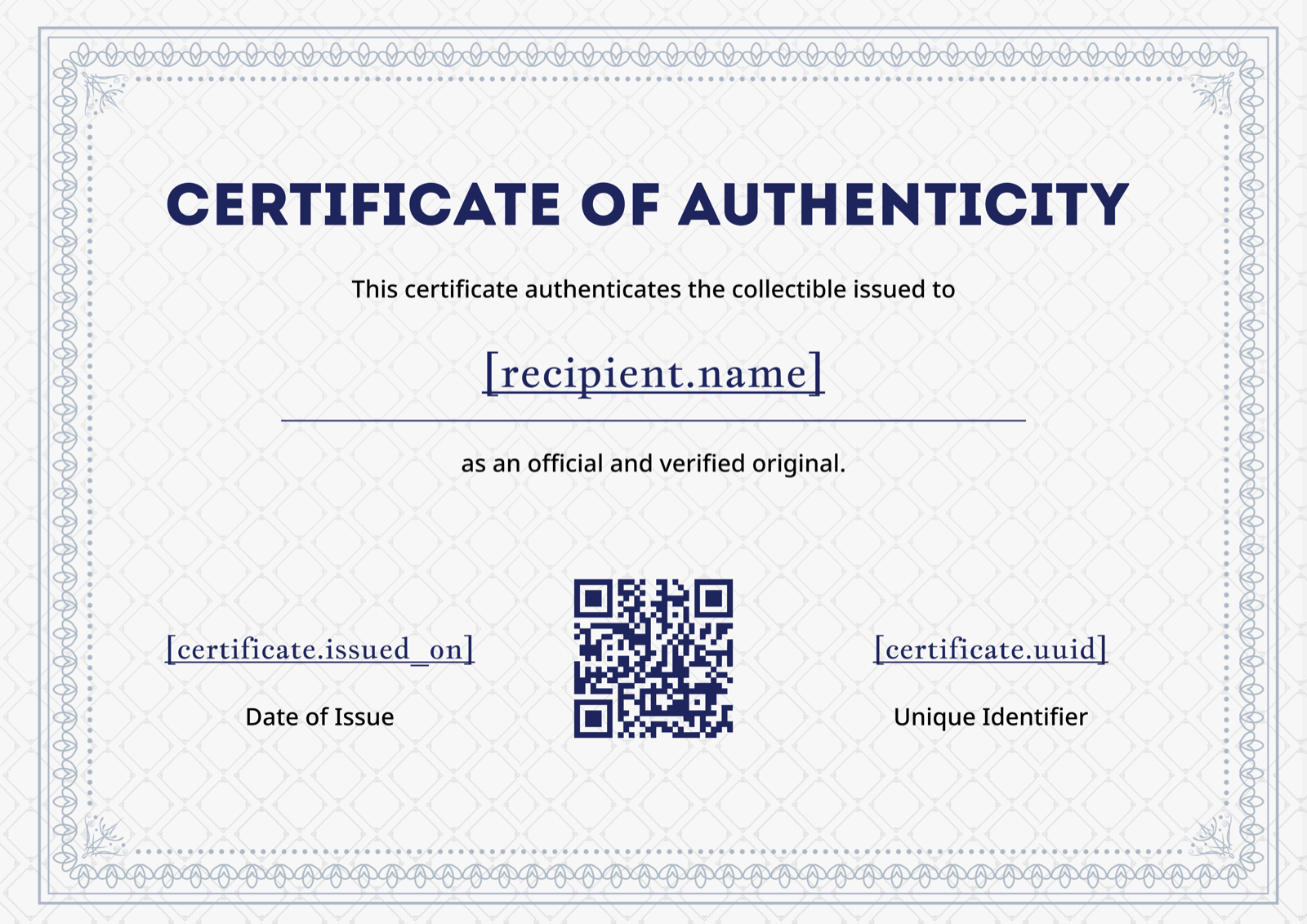
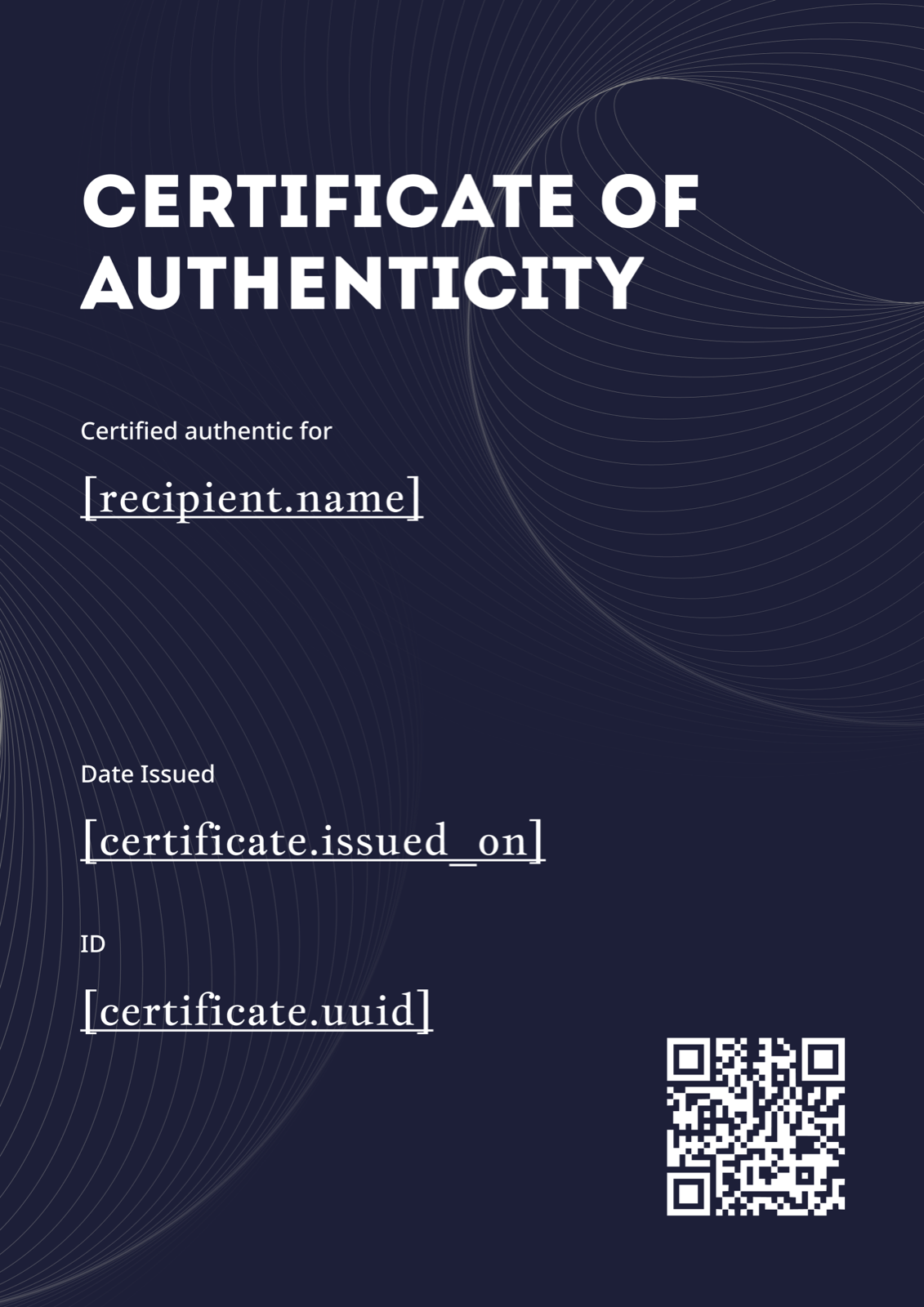
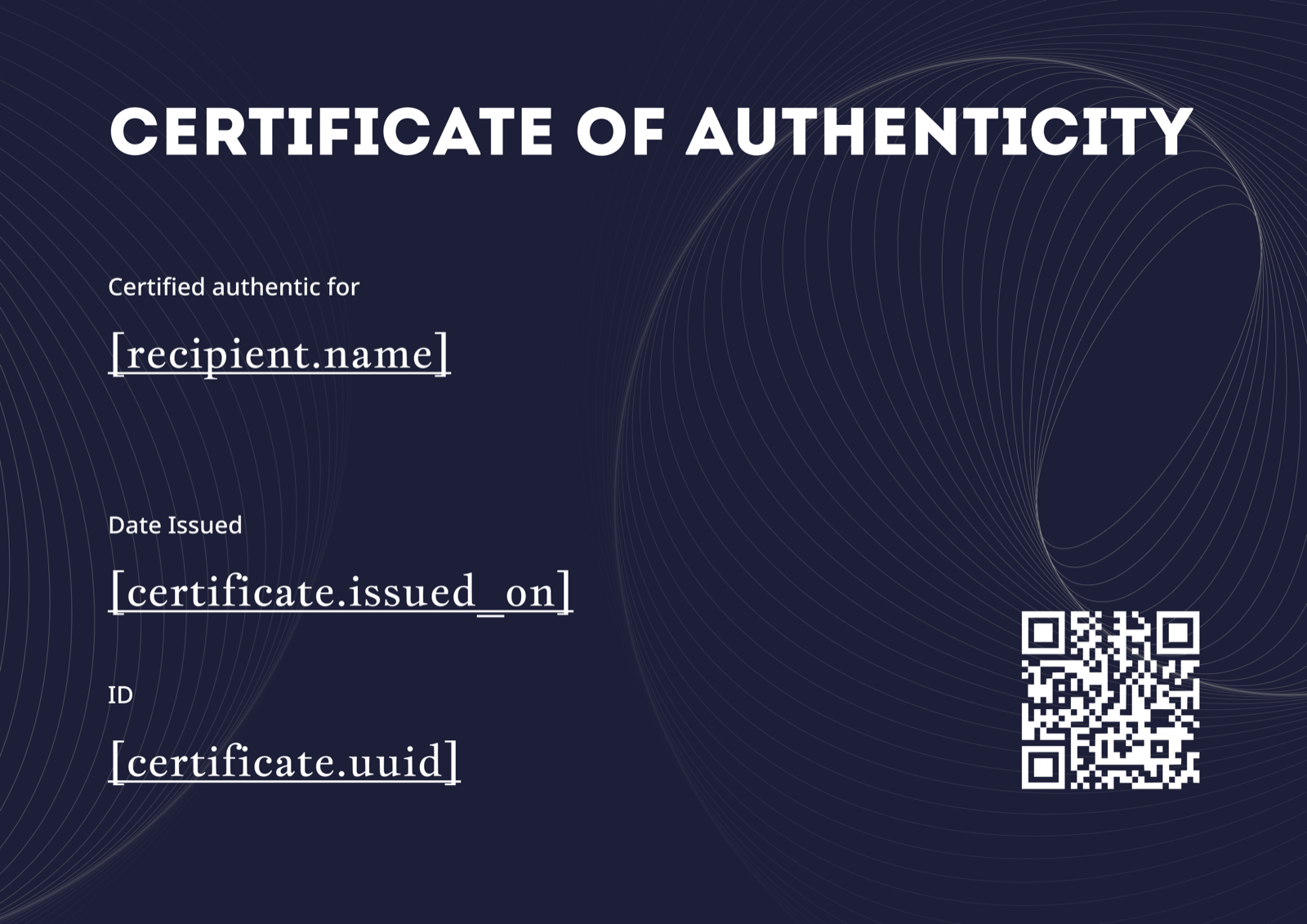
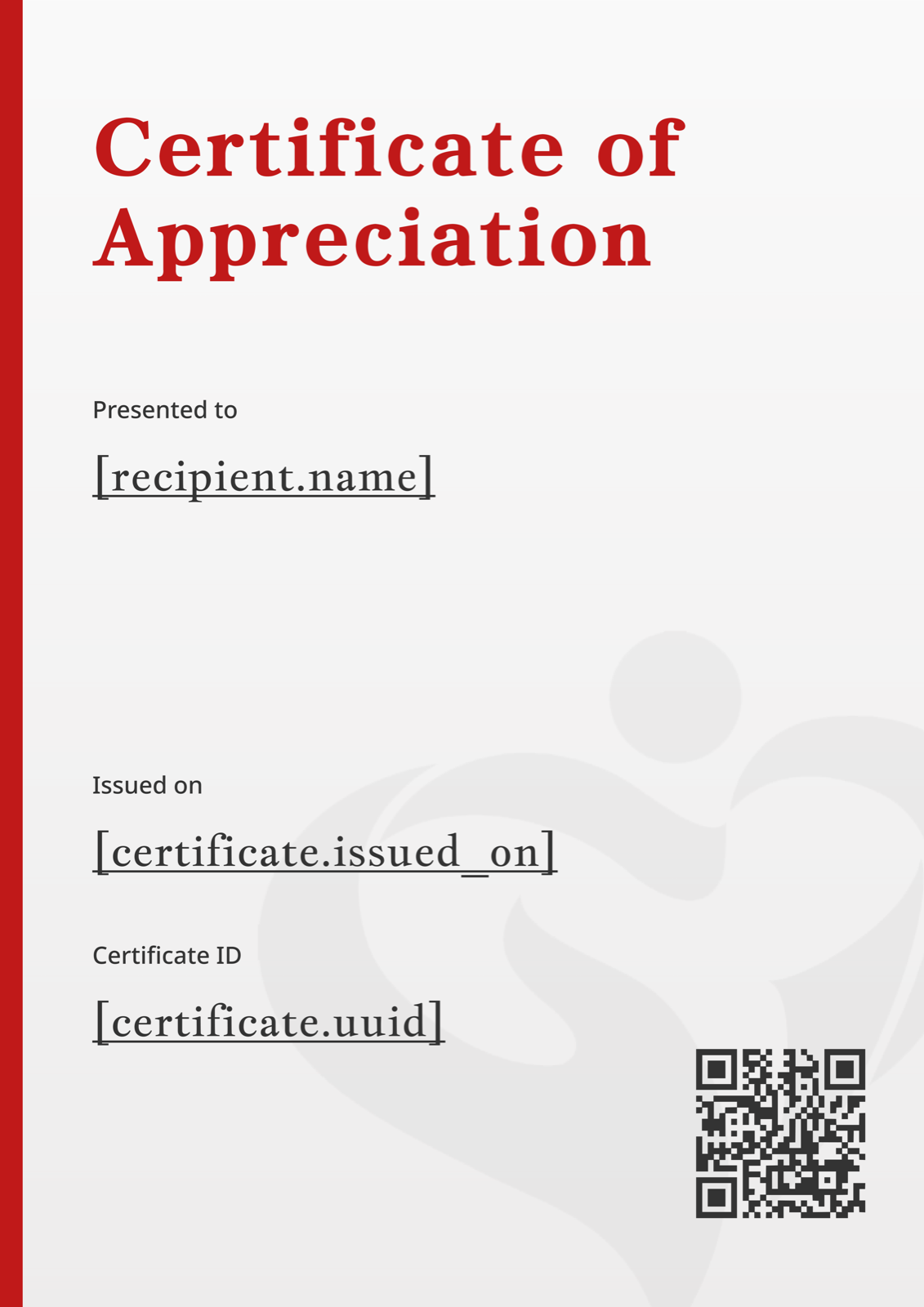
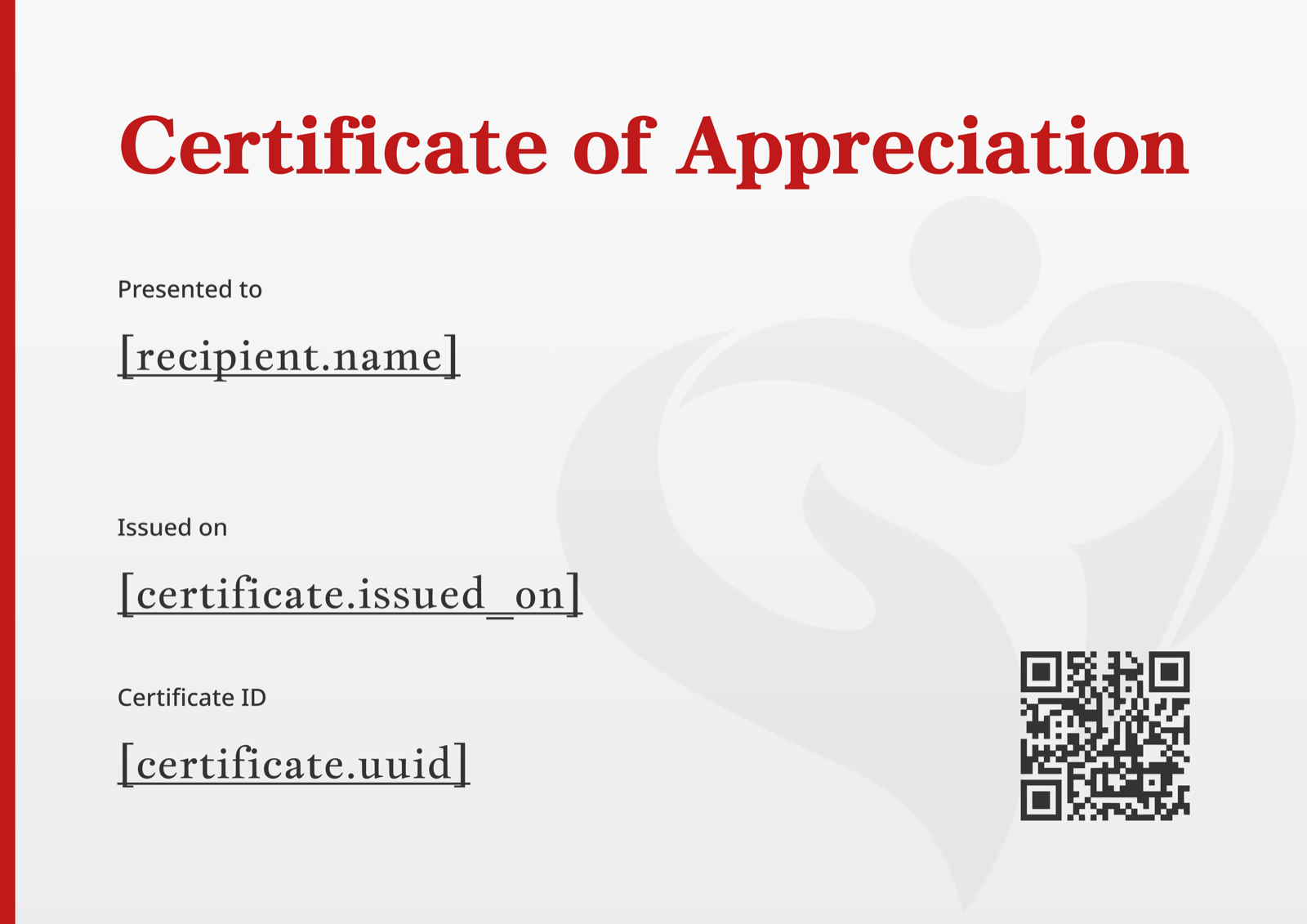
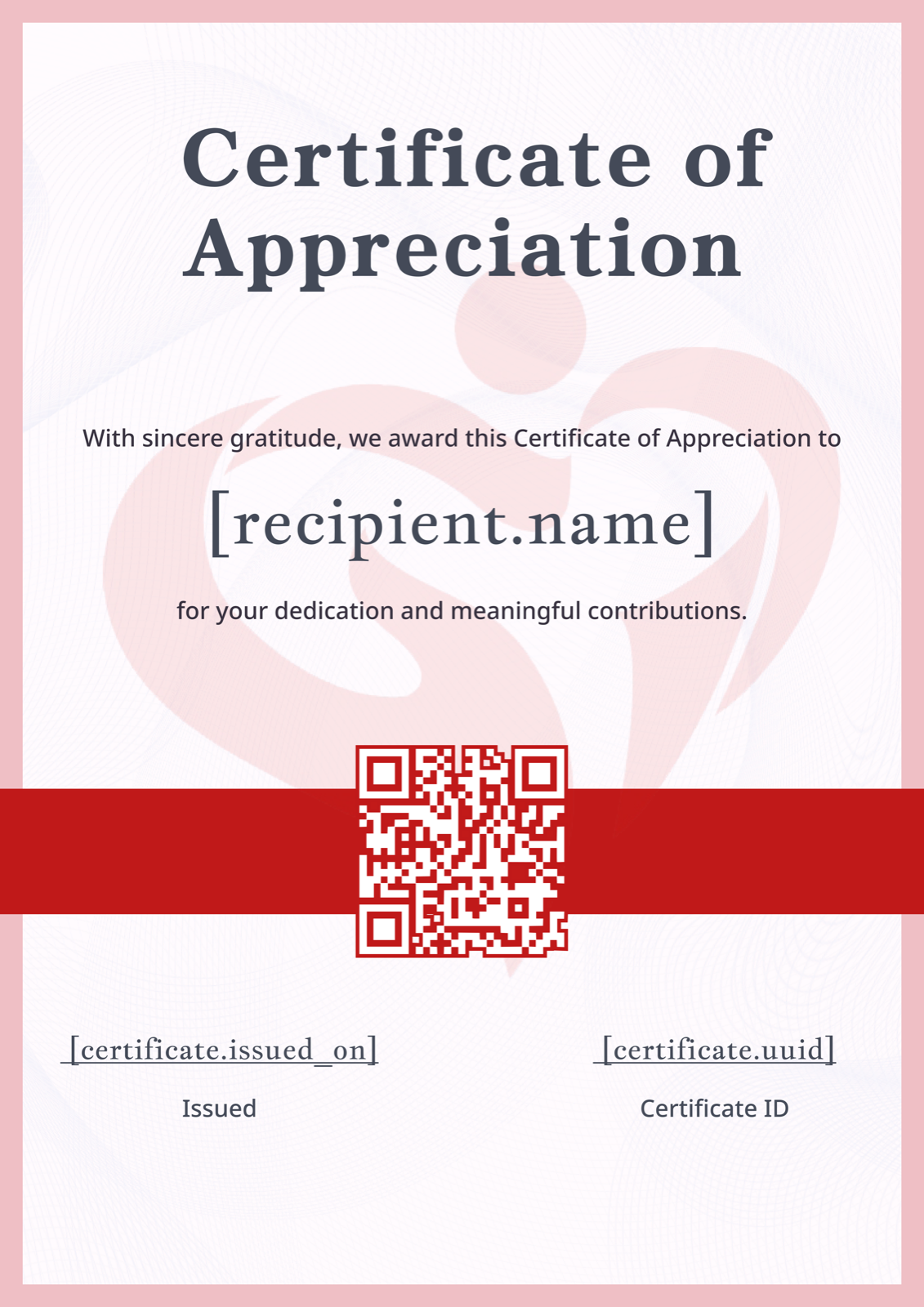
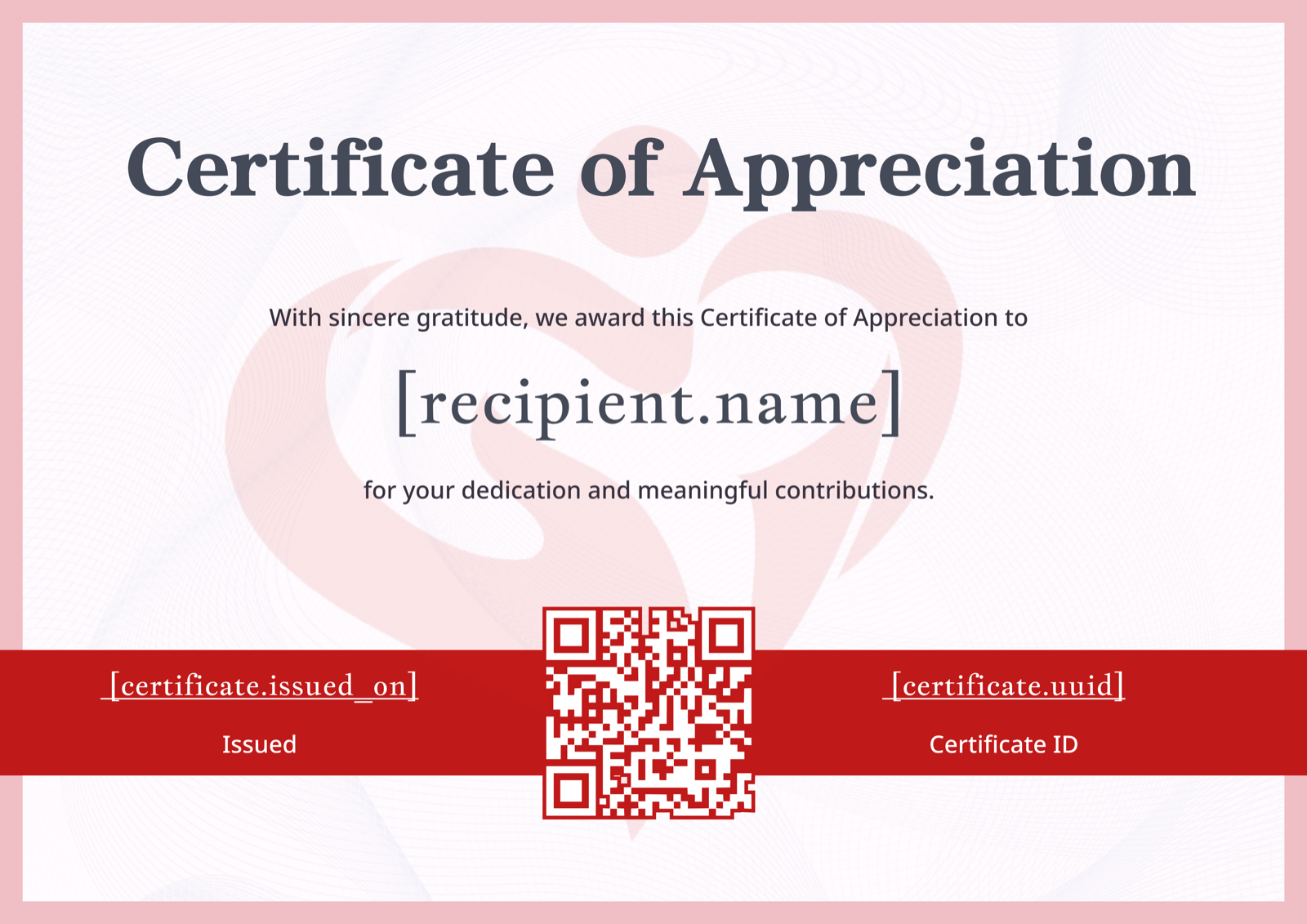
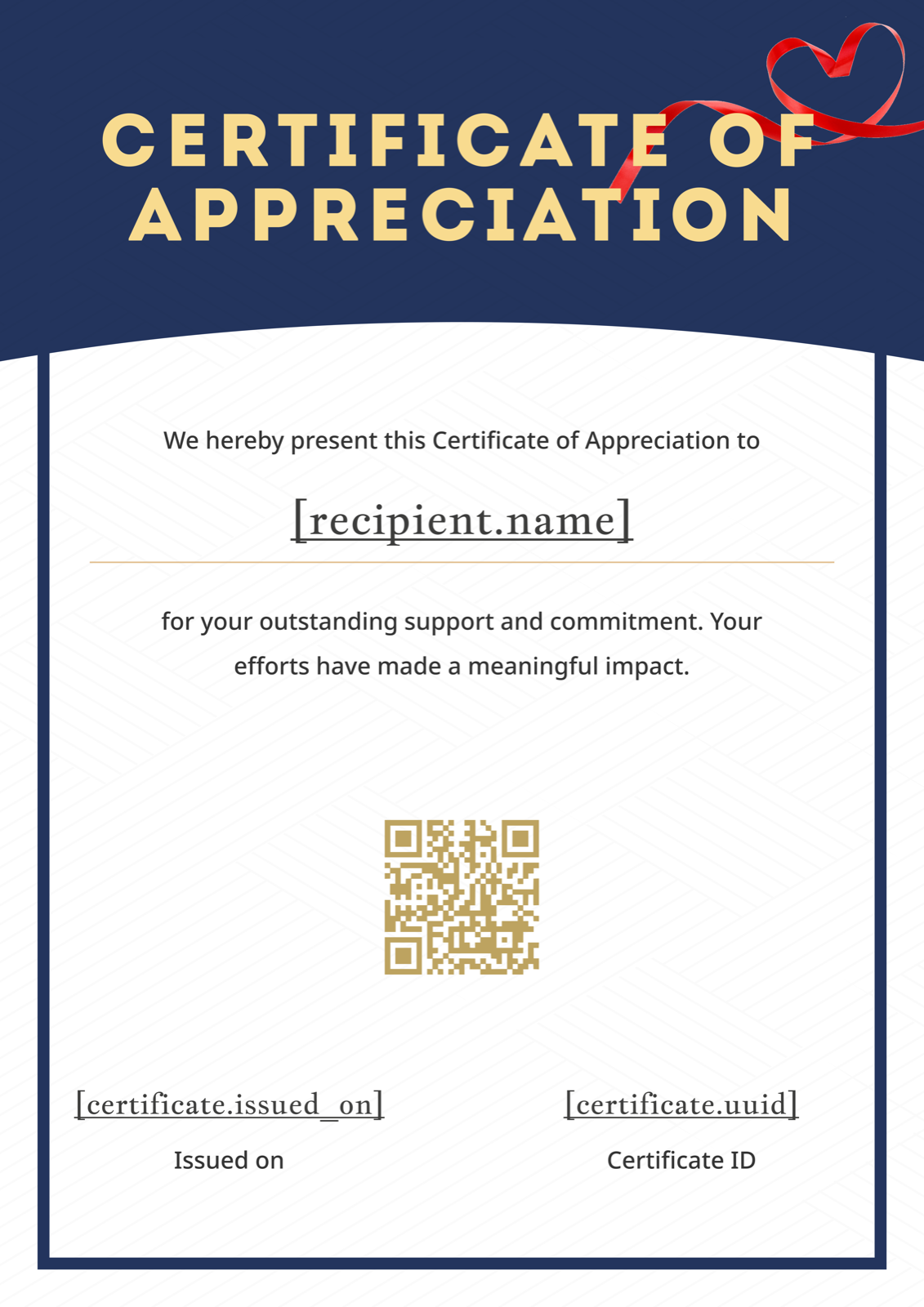
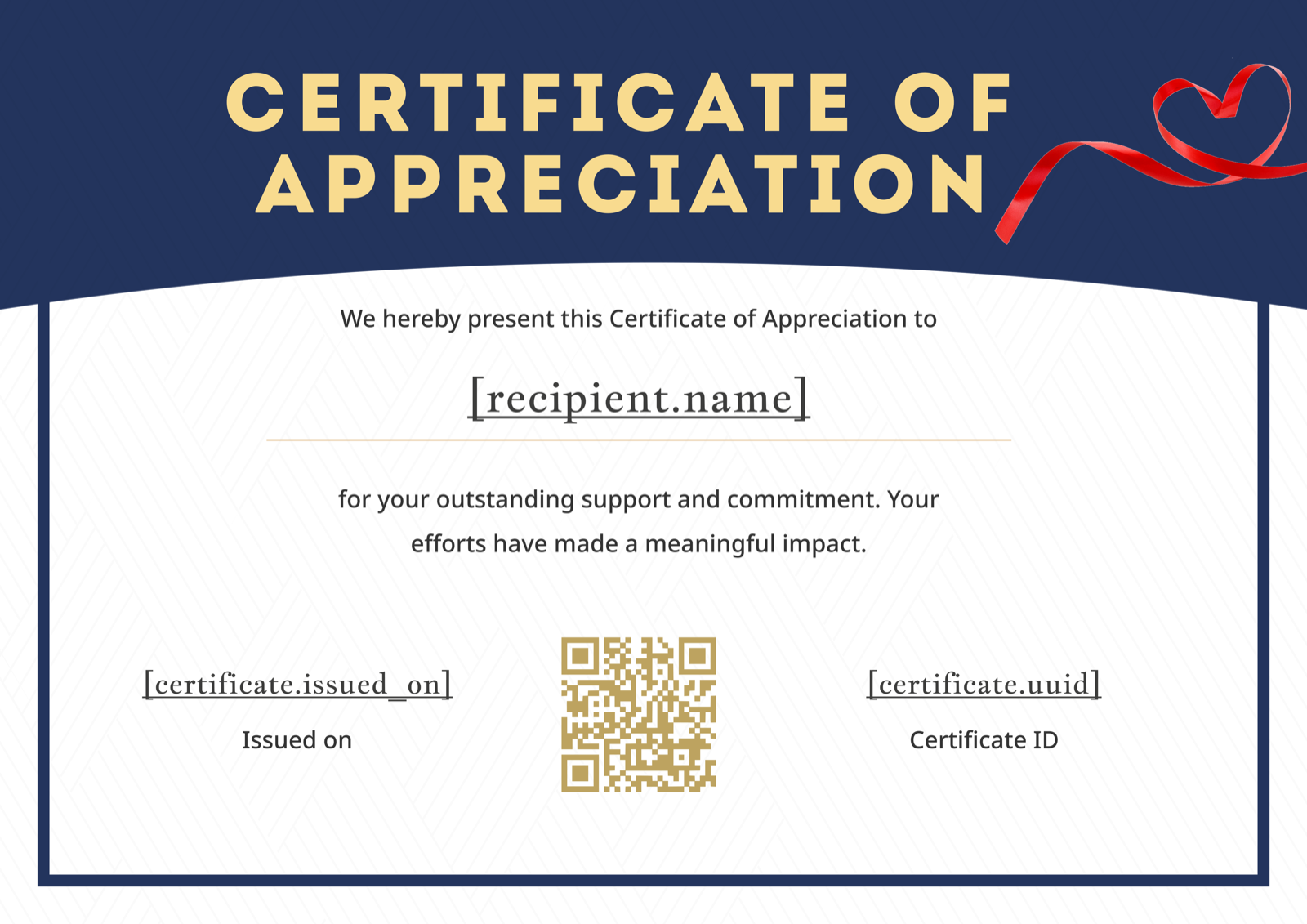
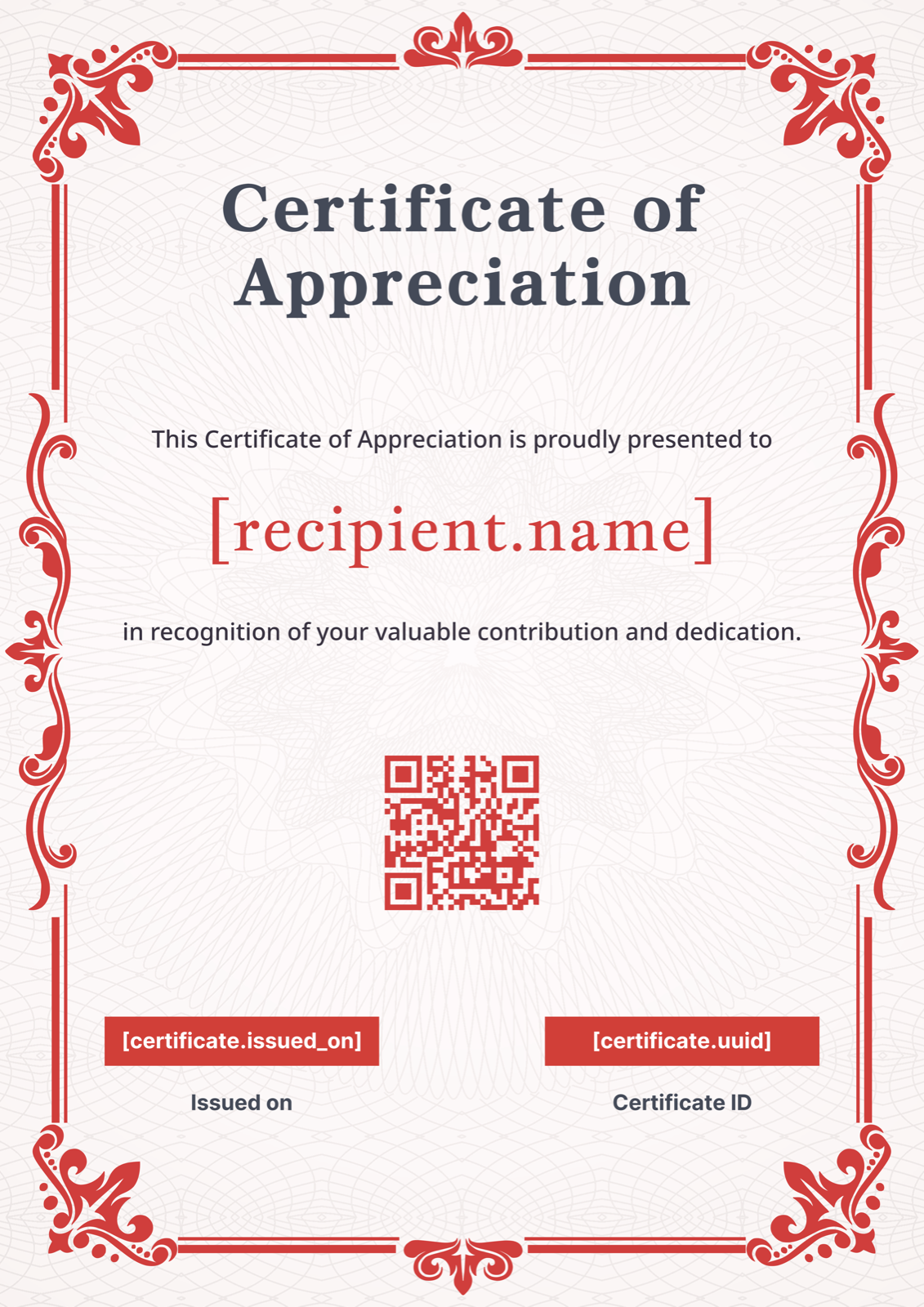
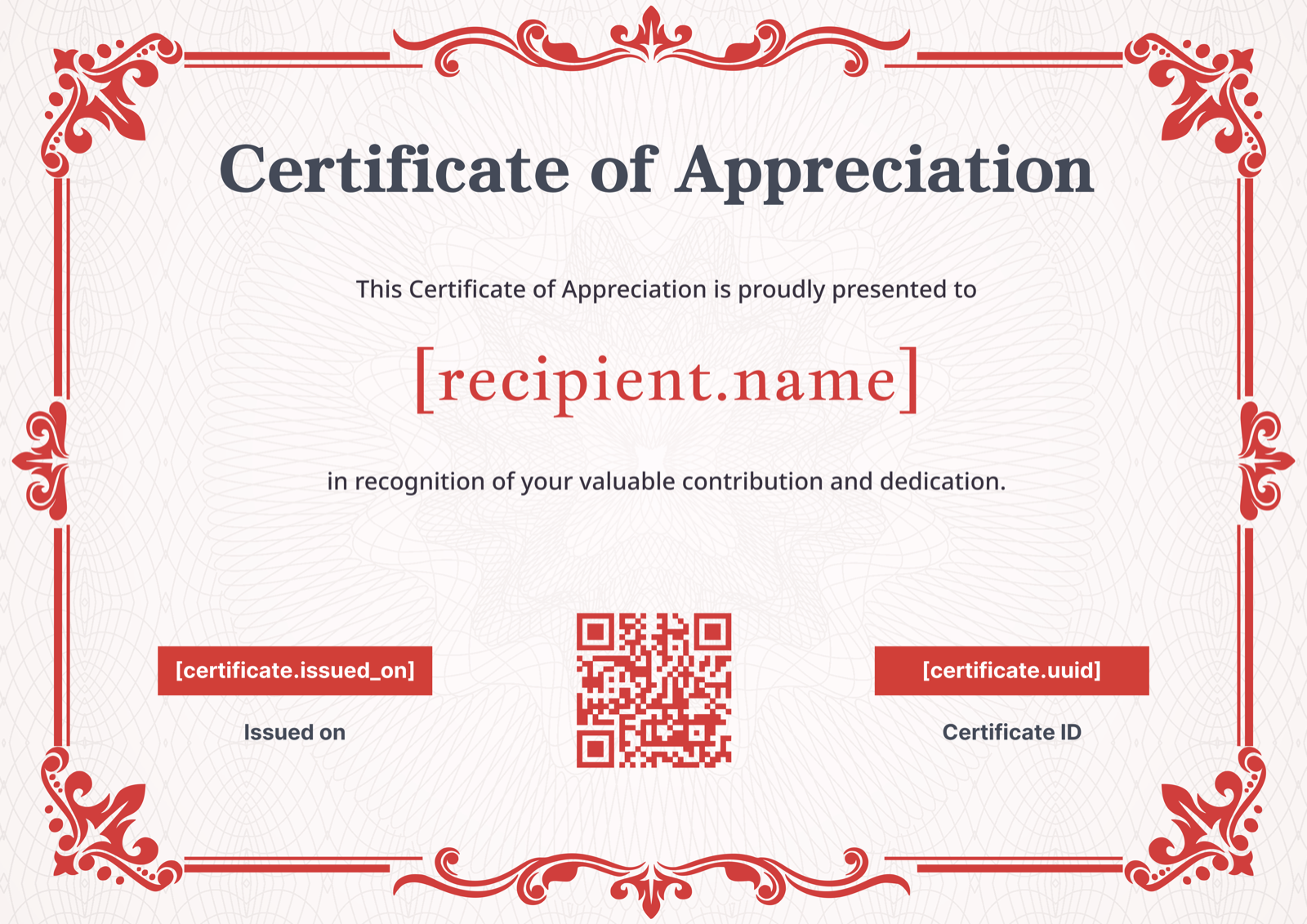
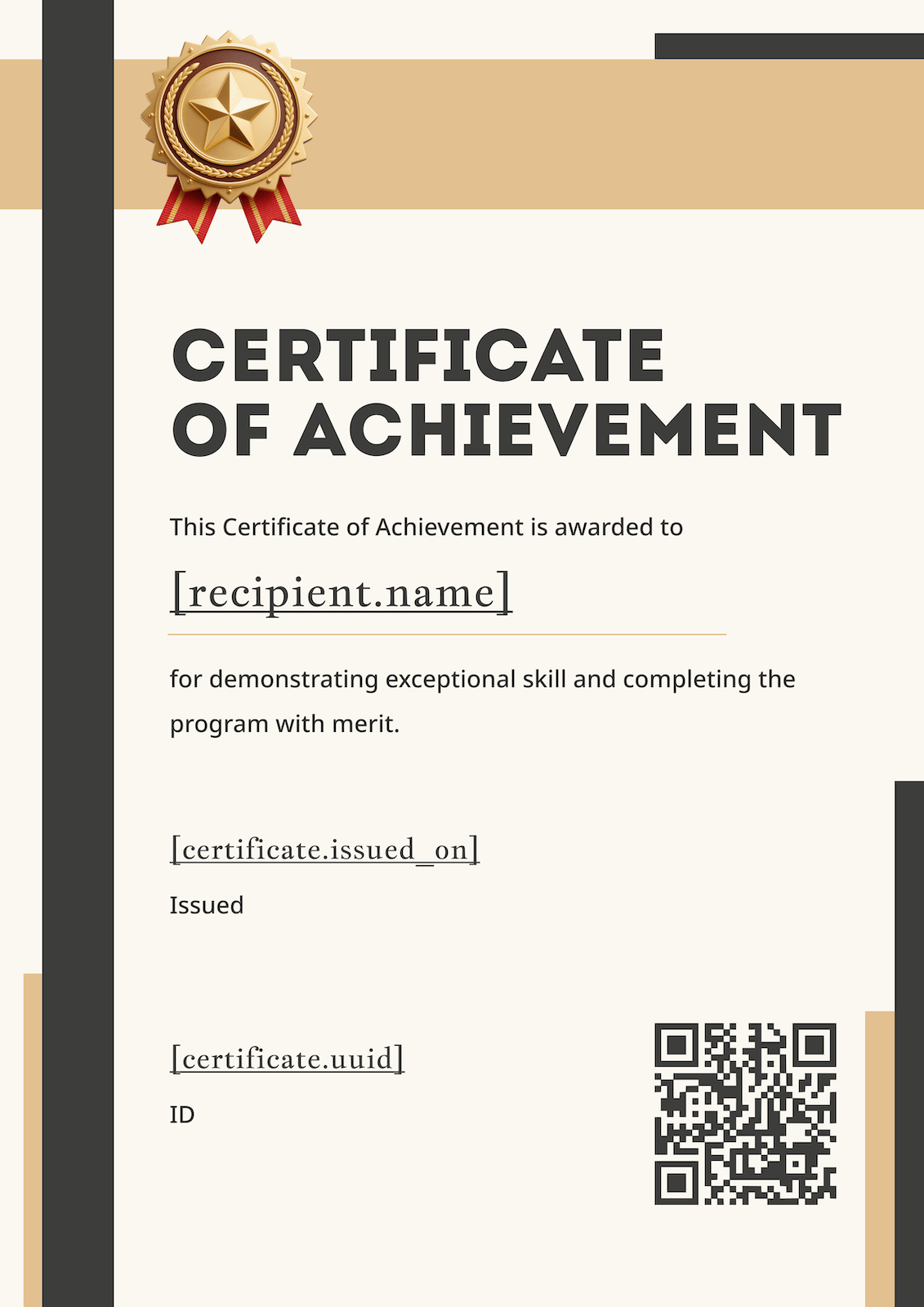
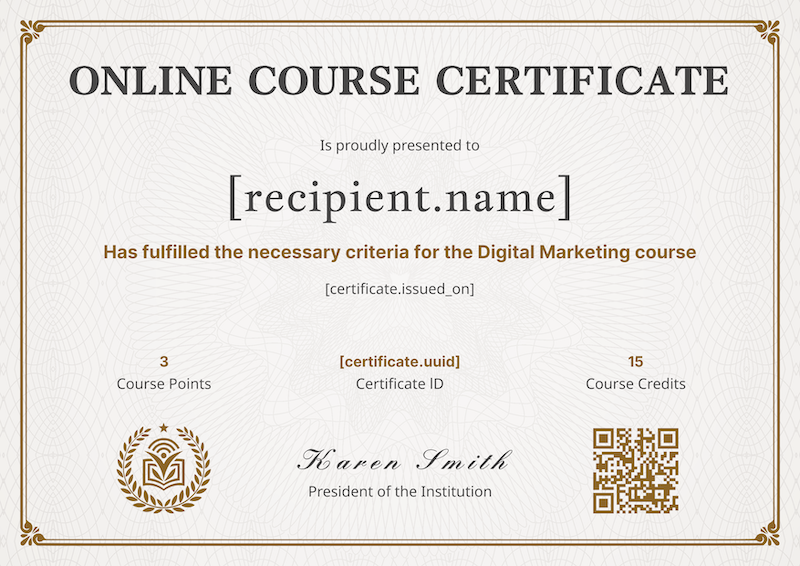
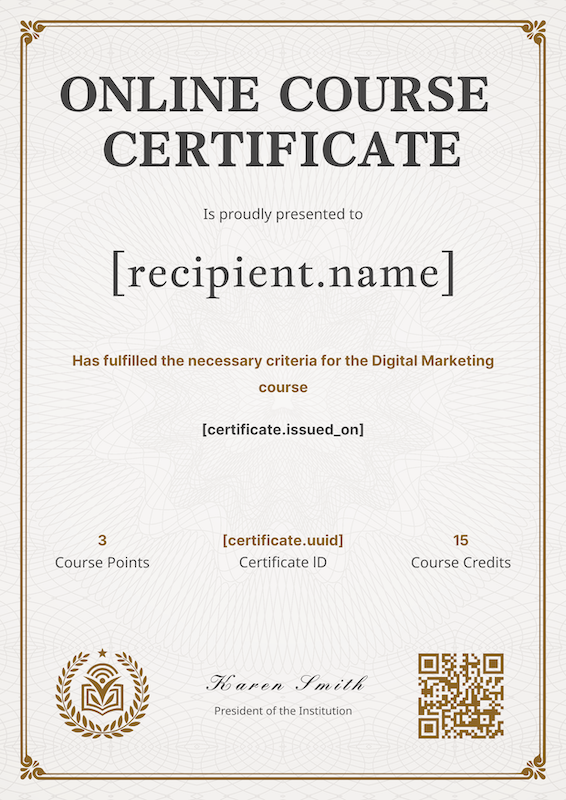
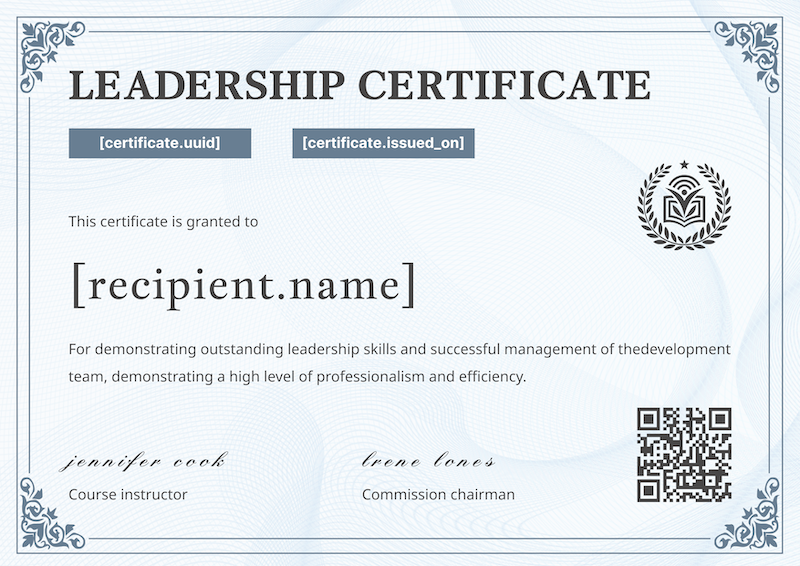
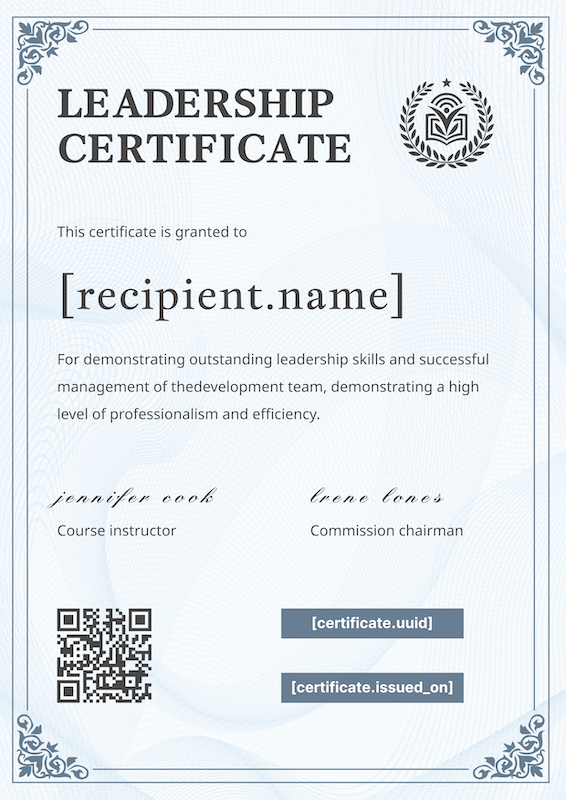
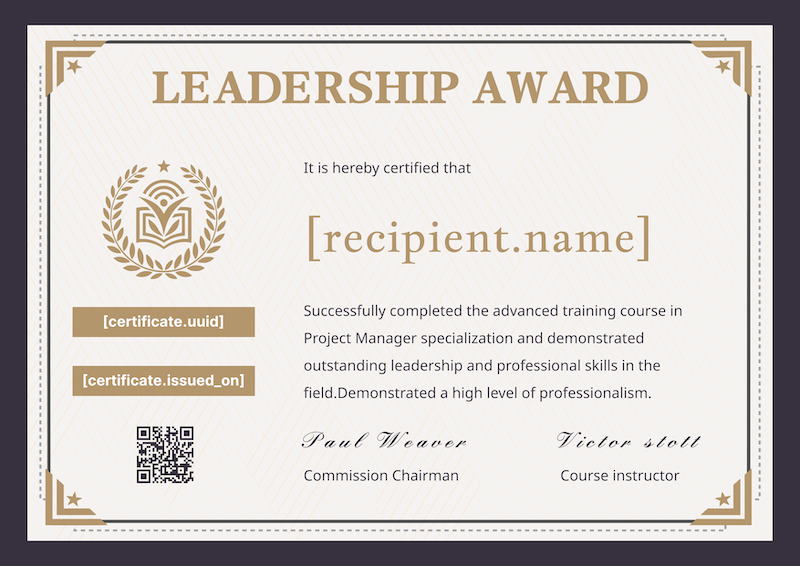
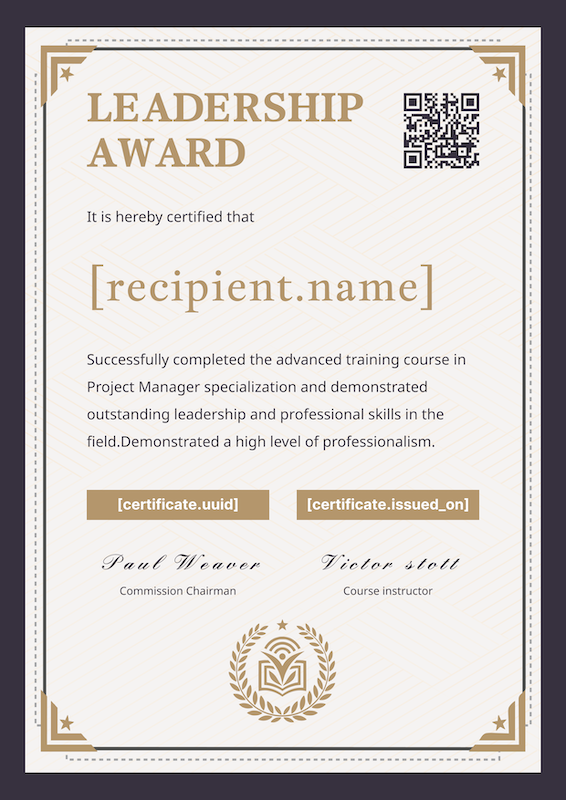
Pick a template, drop in a name and course, and download a professional certificate of completion in seconds. No account required to preview, no watermarks, no design skills needed.
Browser Size Too Small
It looks like your browser window is too small to use this tool effectively. Please resize your browser to a larger width or switch to a device with a bigger screen.
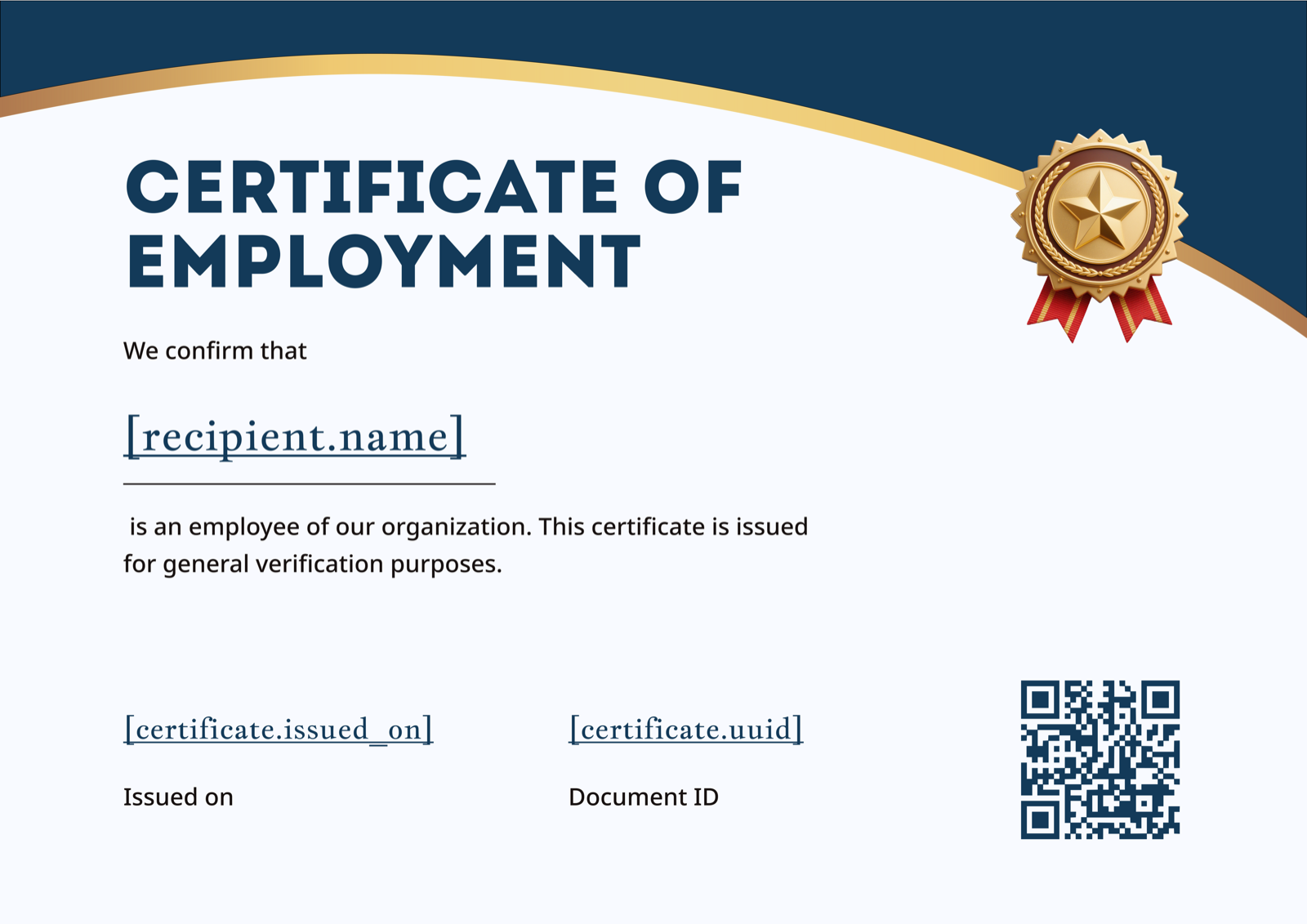
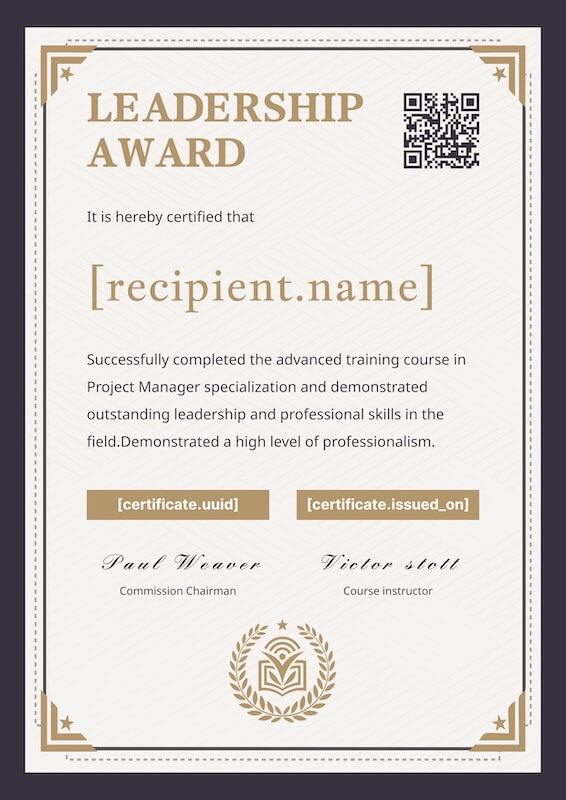
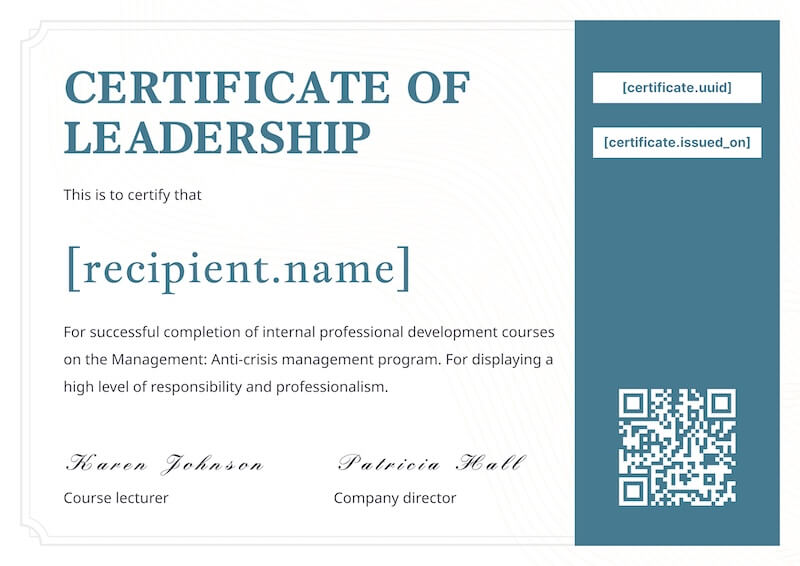
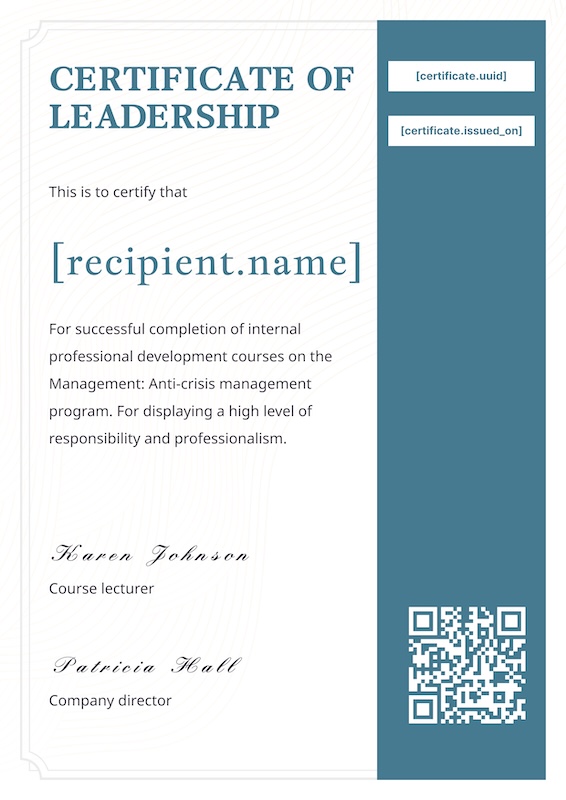
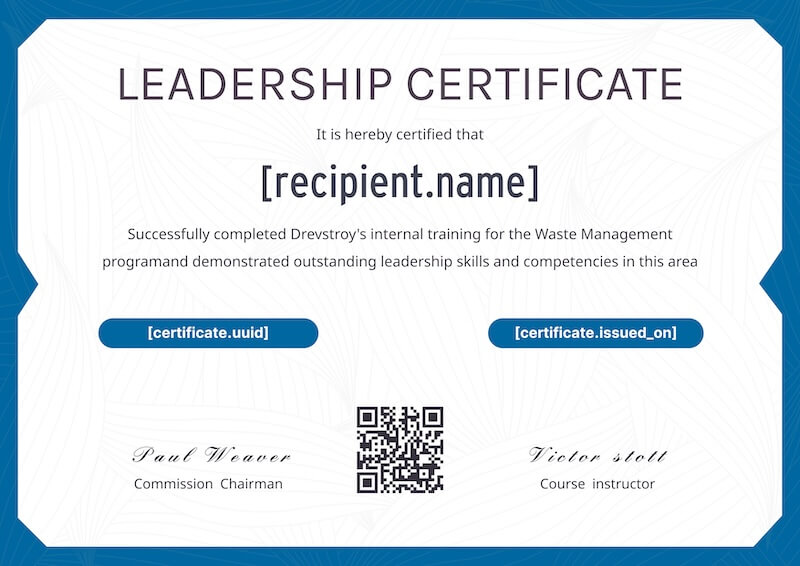
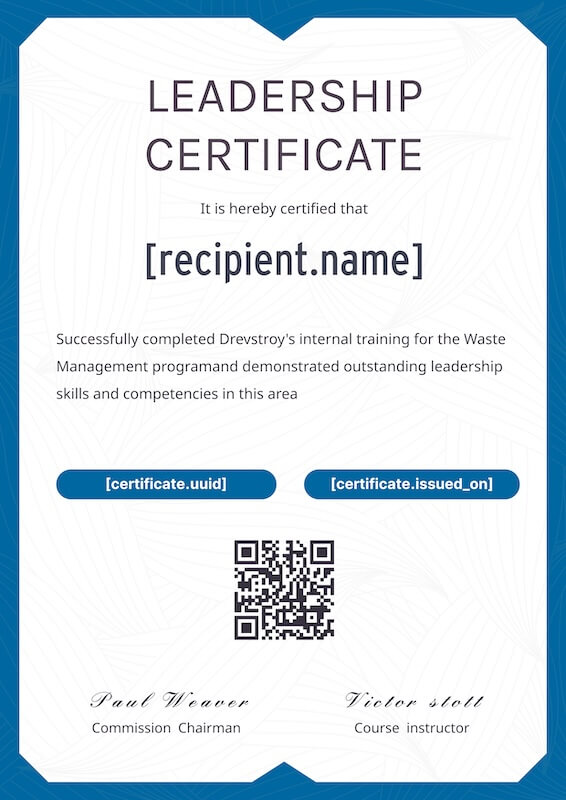
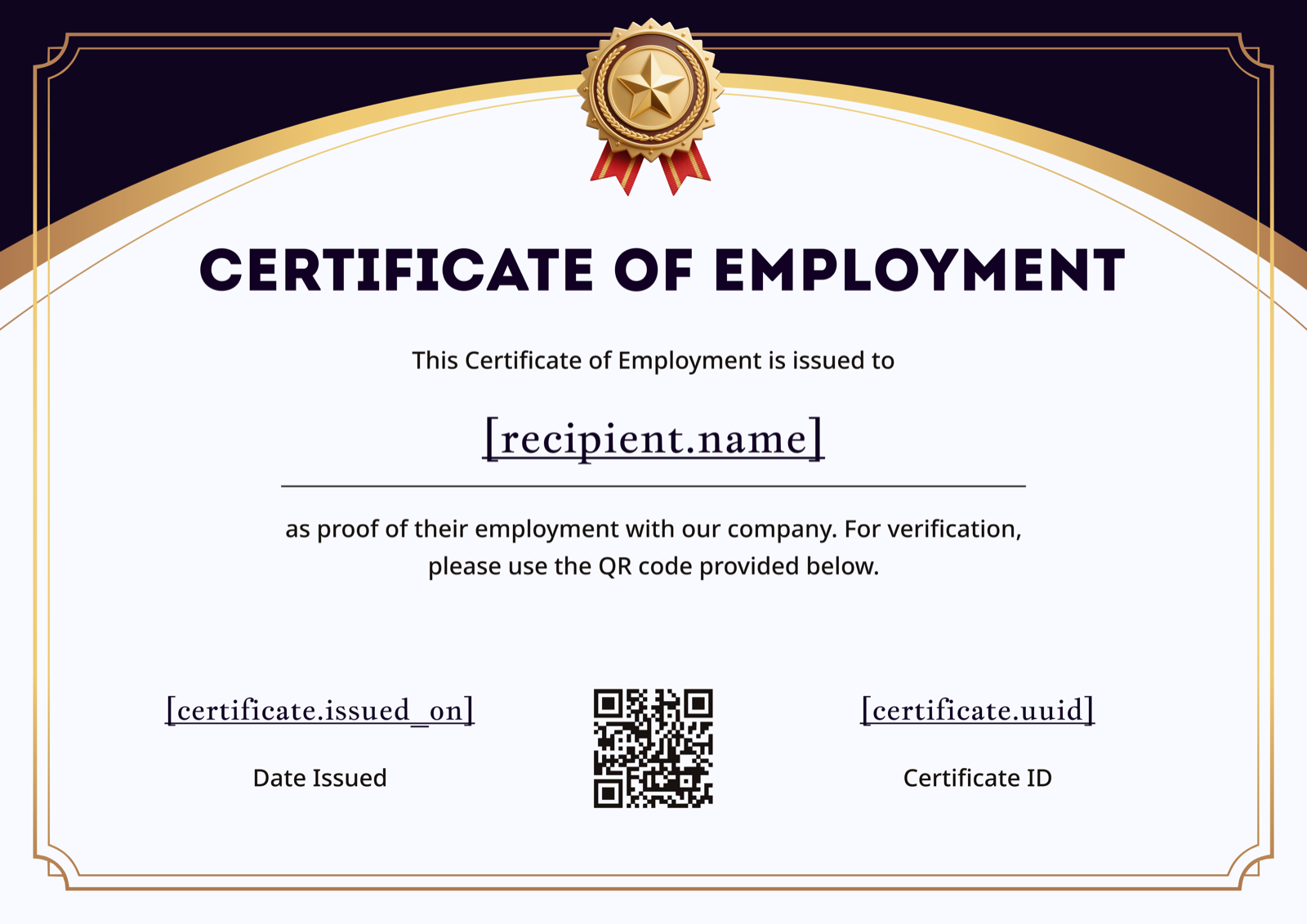
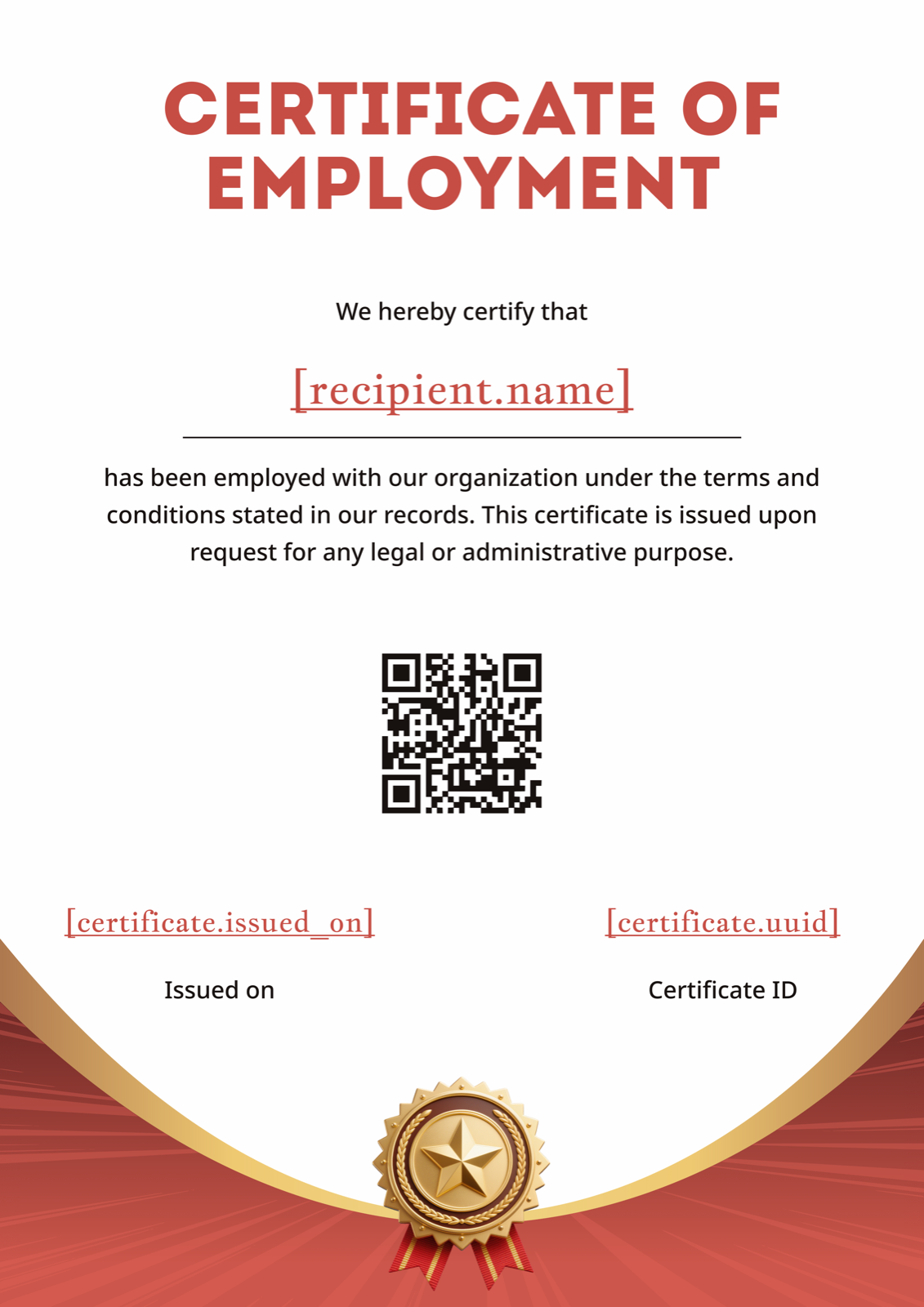
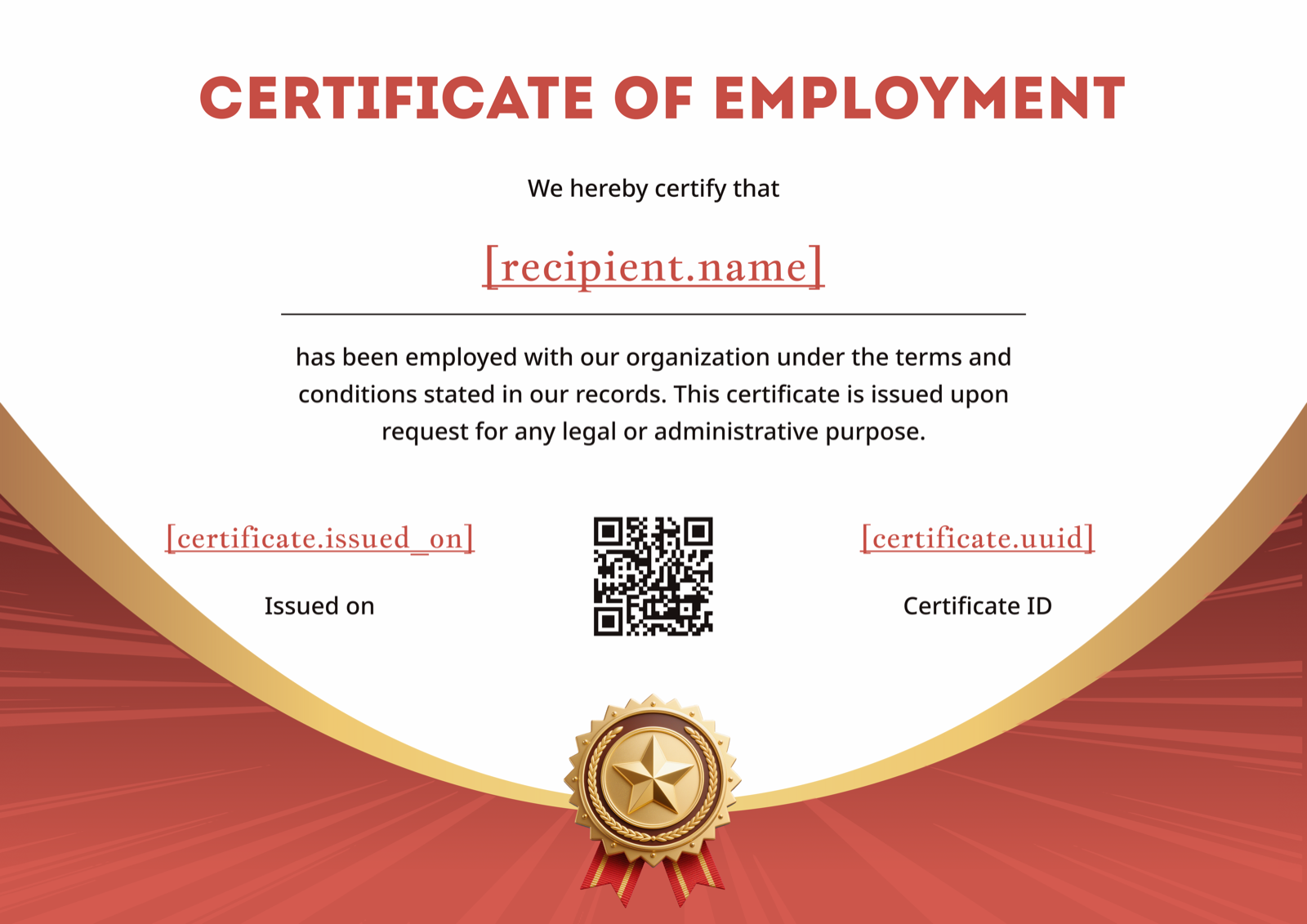
Choose from 50+ designs built for course, training, workshop, classroom and OSHA / construction completion.
Edit the recipient name, course title, completion date, instructor, and your logo right in the browser.
Download in Figma, Word or PDF, or let CertFusion auto-issue and email the whole list with a verifiable link.
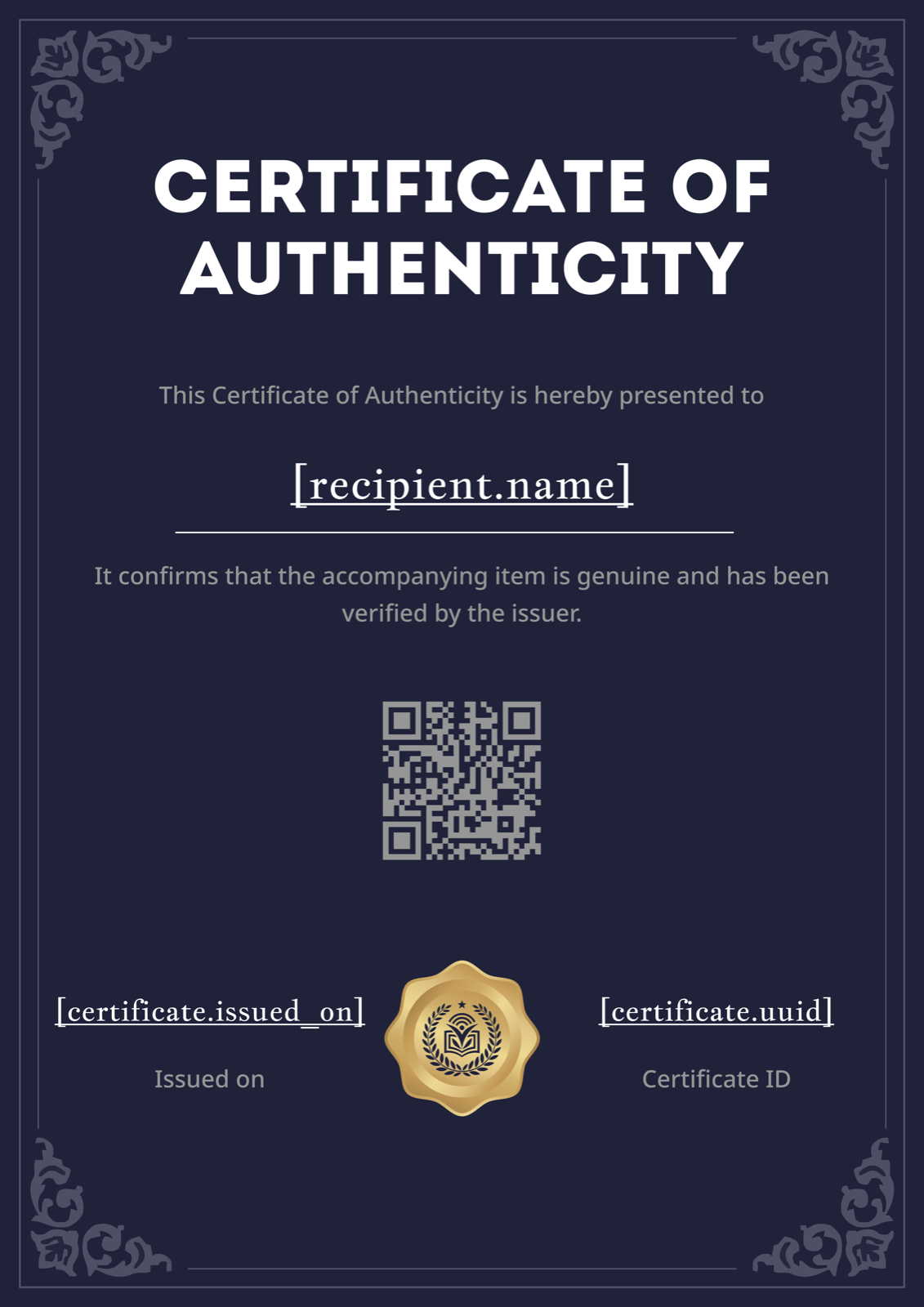
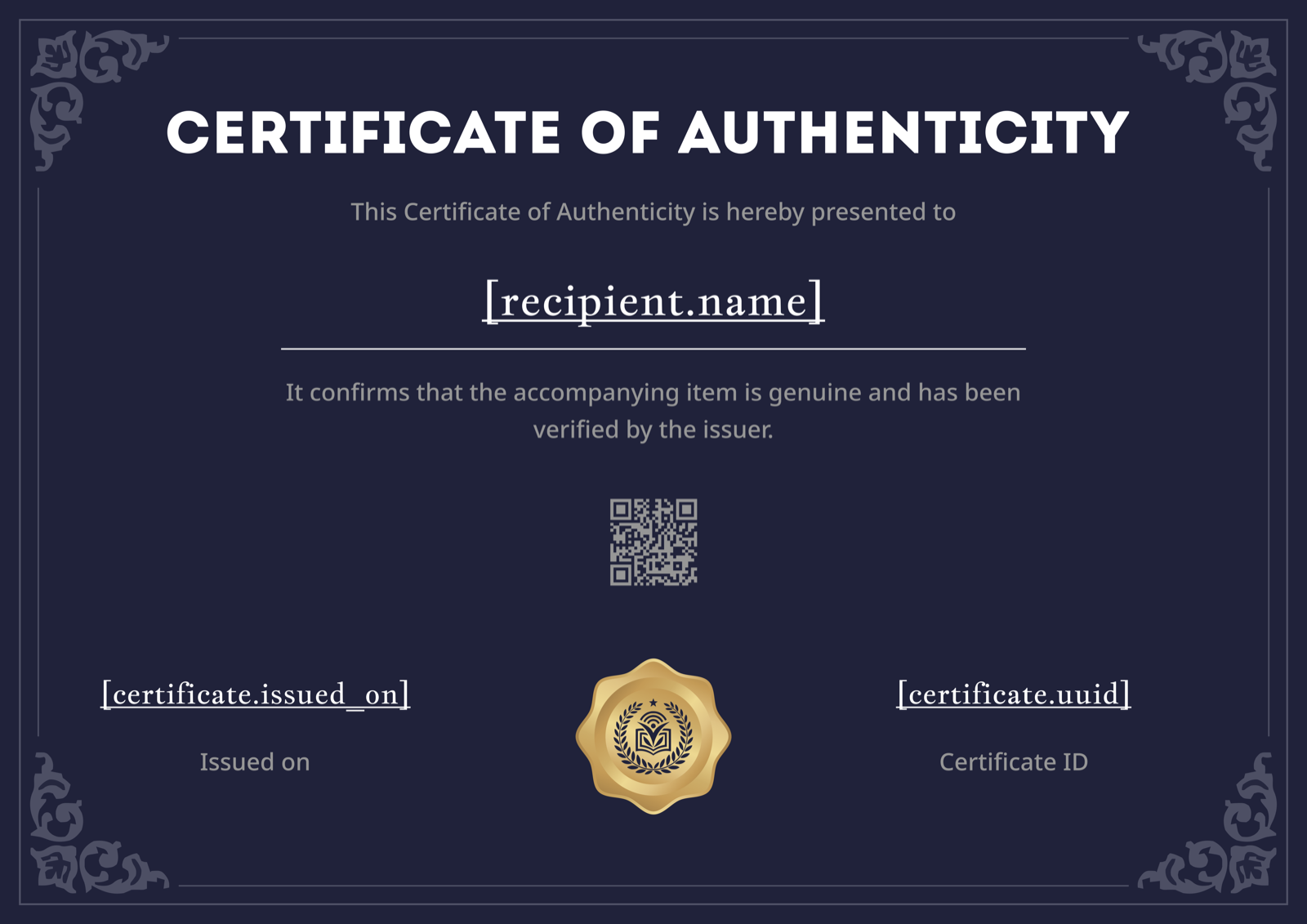
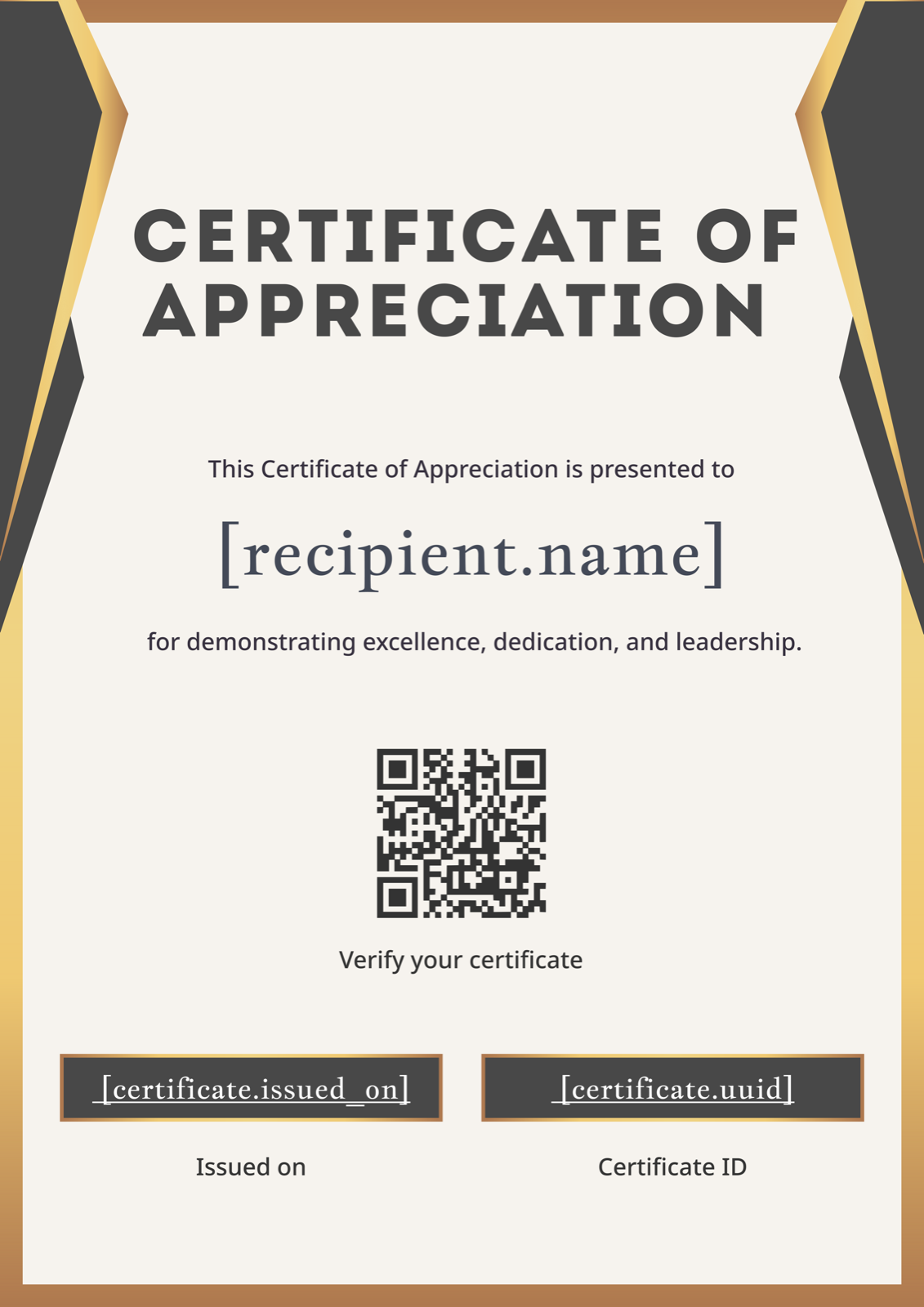
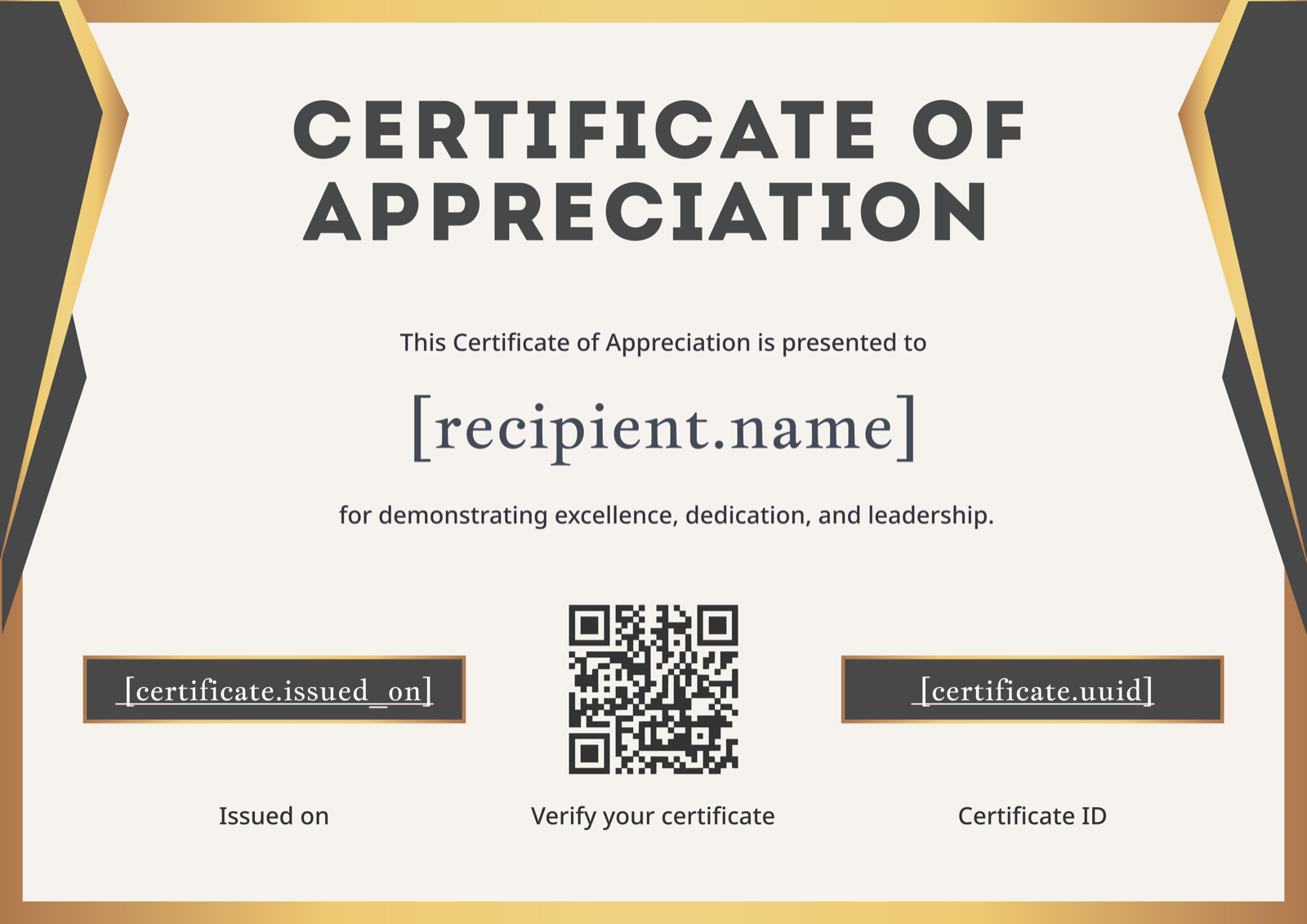
Every template is fully editable in the generator above. Filter by use case — course completion, training, construction / OSHA, workshop, classroom — and click any thumbnail to load it straight into the editor. Looking for more variety? Browse all certificate templates.
Prefer to finish your certificate in Microsoft Word? Download an editable Word template and customize it offline. Word makes sense when you need offline editing or your IT team has locked down browsers; our online editor wins when you need verification links, QR codes, or bulk-issue to a list.
Site supervisors and safety officers need a paper trail. Use one of our construction-ready templates to issue a certificate of completion for OSHA 10, OSHA 30, fall protection, scaffolding, or any toolbox-talk training. Each template includes fields for the training name, instructor, training hours, and a unique certificate ID so the document holds up under audit. Get the OSHA training certificate of completion or pick a generic safety design below.
Includes training hours, course code, and instructor signature line.
Single-page landscape, designed for hard-hat sticker or wallet print.
Clean industrial layout with company logo and date of expiry field.
Use for any site safety briefing or contractor onboarding.
OSHA wording note: OSHA does not issue or endorse completion certificates directly — your certificate should clearly name the authorized trainer and the OSHA outreach course completed (e.g. "OSHA 10-Hour Construction Outreach Training"), and avoid implying any direct OSHA endorsement.
A certificate of completion is a formal document that confirms a specific person finished a specific course, training, or program on a specific date. To be valid, it must include the recipient's full name, the exact name of the course or training, the completion date, the issuing organization or instructor, and a signature or seal. Adding a unique certificate ID and verification URL makes the certificate auditable and harder to forge.
For deeper guidance see what makes a certificate of completion valid, how to word a certificate of completion, and our certificate of completion wording examples.
Generating one certificate at a time is fine for a single student. If you run a training program, an online course, or a webinar with hundreds of participants, you need bulk issue. CertFusion lets you upload a CSV — or connect Typeform, Tally, Zoom, Google Meet, or Webex — and generate a personalized certificate of completion for every recipient in a single click.
Each certificate gets a unique verification URL and QR code, so a hiring manager or auditor can confirm it is real. Recipients receive their certificate by email automatically, and you get a dashboard that tracks who downloaded, who didn't, and who needs a re-send.
L&D teams use the same flow for compliance training, CPD logging, webinar attendance, and onboarding classes — see the webinar certificate generator and the CPD / CME / CEU generator for two specialized variants of this same engine.
Try bulk issue free →Pick the right type for what you actually want to recognize.
| Type | Recognizes | Best for | Generator |
|---|---|---|---|
| Completion | Finishing all required parts of a course or training | Online courses, training programs, OSHA, classroom modules | This page |
| Achievement | Reaching a specific result, score, or milestone | Top scorers, contest winners, performance awards | certificate of achievement generator |
| Participation | Showing up and taking part, regardless of outcome | Workshops, webinars, conferences, volunteer events | certificate of participation generator |
Yes. Pick a template, edit it, and download in Figma, Word or PDF without an account. Want verification links and bulk issue? Start a free CertFusion trial.
Yes — every template is available in all three formats: Figma, editable Word (.docx), and print-ready PDF. See our editable Word template guide for the Word workflow.
Yes. Every template exports at 300 DPI, sized for US Letter and A4 paper.
Yes. Upload a logo, change colors and fonts, and add a signature image — all in the in-browser editor.
Certificates issued through a CertFusion account get a unique verification URL and QR code that anyone can use to confirm authenticity.
Yes. Upload a CSV or connect Typeform, Tally, Zoom, Google Meet, or Webex and CertFusion will generate and email a personalized certificate to every recipient in one click.
A standard format reads: "This is to certify that [Name] has successfully completed [Course] on [Date]." See more certificate of completion wording examples.
Looking for a more general tool? Try our free certificate generator for any cert type.
Start a free CertFusion trial — verification URLs, QR codes, auto-email delivery and CSV / form import included.
Need higher volumes? See pricing.