New Feature: Certificate View & Download Tracking
Know exactly how your certificates are performing with the new View & Download Tracking feature in CertFusion.
Overview
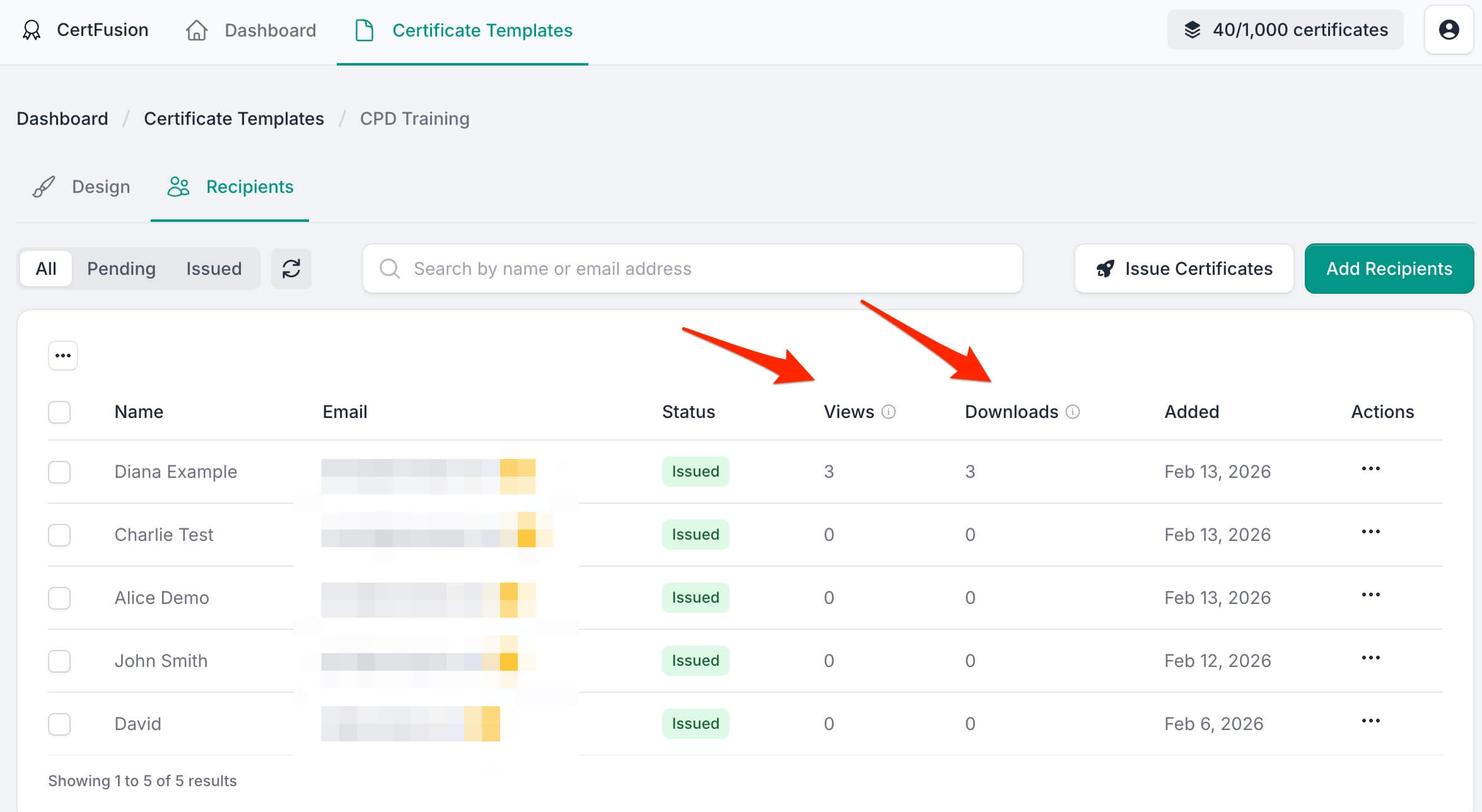
Ever wondered whether your recipients actually viewed or downloaded their certificates? Now you can find out. CertFusion now tracks views and downloads for every issued certificate, giving you real-time insights into recipient engagement — right from the Recipients table.
How It Works
Tracking is automatic — there's nothing you need to enable or configure. Once a certificate is issued, CertFusion begins counting:
- Views — Each time a recipient (or anyone with the link) opens the certificate page, the view count increments.
- Downloads — Each time the certificate PDF is downloaded, the download count increments.
These counts are displayed directly in the Recipients table alongside each recipient's name, email, and status.
What You'll See
In the Recipients Table
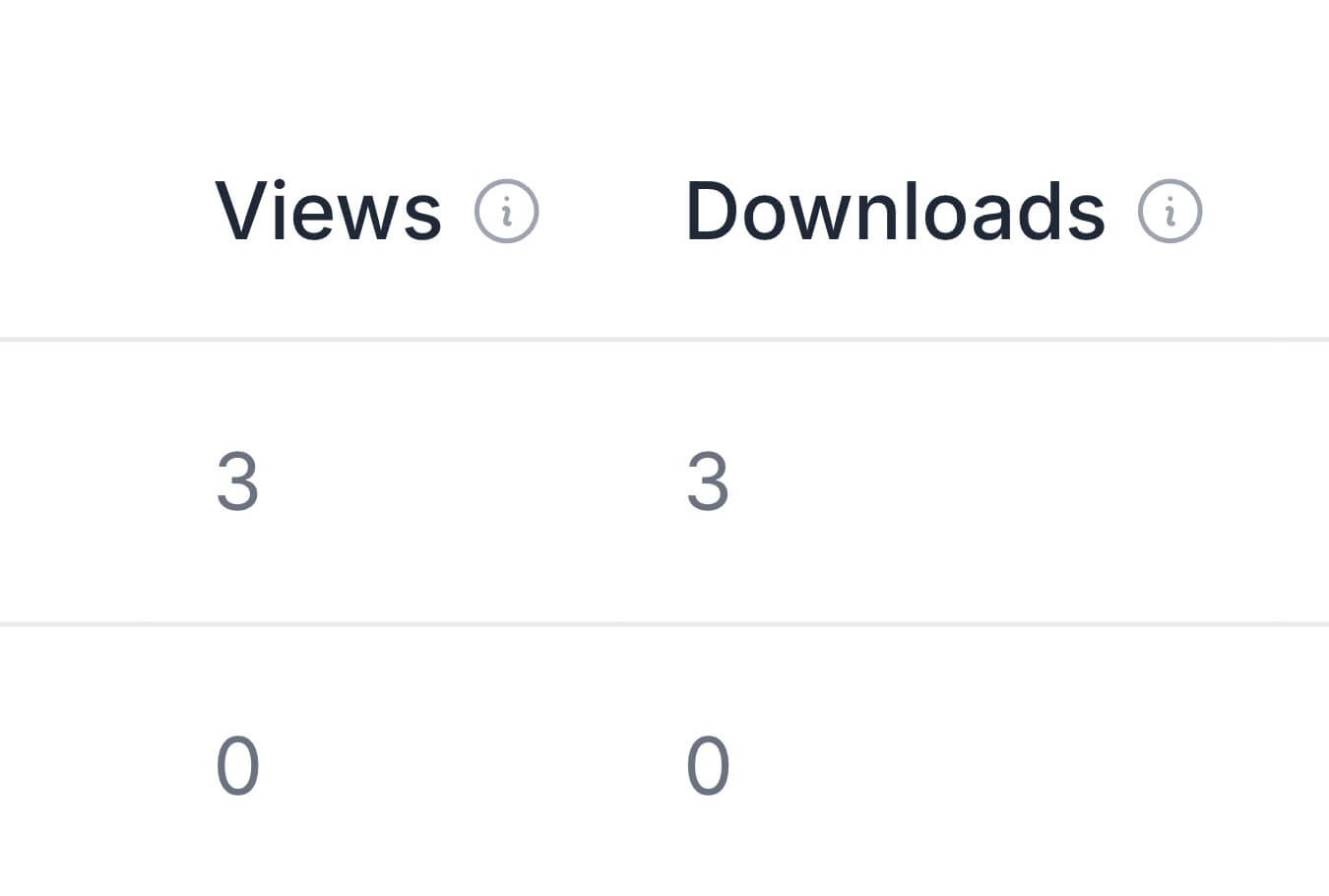
Two new columns appear for every issued certificate:
| Column | Description |
|---|---|
| Views | Total number of times the certificate page has been viewed |
| Downloads | Total number of times the certificate has been downloaded |
For recipients whose certificates haven't been issued yet, these columns will display a dash (-) instead of a count.
Use Cases
Here are a few ways you can use this data:
- Verify delivery — Confirm that recipients have actually opened their certificates after you issued them.
- Follow up — Identify recipients with zero views and send a reminder or resend the certificate email.
- Measure engagement — See which certificates are being downloaded versus just viewed, and adjust your distribution strategy.
- Reporting — Use view and download counts to report on certificate engagement to stakeholders or event organizers.
Good to Know
- Tracking starts from February 25, 2026. Certificates issued before this date will show zero views and downloads, as tracking was not yet available.
- No action needed. Tracking is enabled by default for all issued certificates.
- Counts are cumulative. Every view and download is counted, including repeated visits by the same person.
- Pending certificates show a dash (-) since they don't have a public certificate page yet.
Getting Started
There's nothing to set up. Head to your Certificate Templates page, open any template's Recipients tab, and you'll see the new Views and Downloads columns right away.
We'd love to hear your feedback on this feature — if you have suggestions for additional analytics or insights you'd like to see, don't hesitate to reach out!
Table of Contents
Related Articles
Discover more insights and stories that might interest you