How to Design a First Aid Certificate
A well-designed first aid certificate not only looks professional but also reinforces the credibility of your course or training program. Whether you’re issuing certificates for CPR, workplace first aid, or mental health first aid courses, a thoughtful design helps participants feel recognized and valued.
In this guide, we’ll walk you through how to design a first aid certificate from scratch or using templates, step by step.
1. Start with a Template or Blank Canvas
You can either:
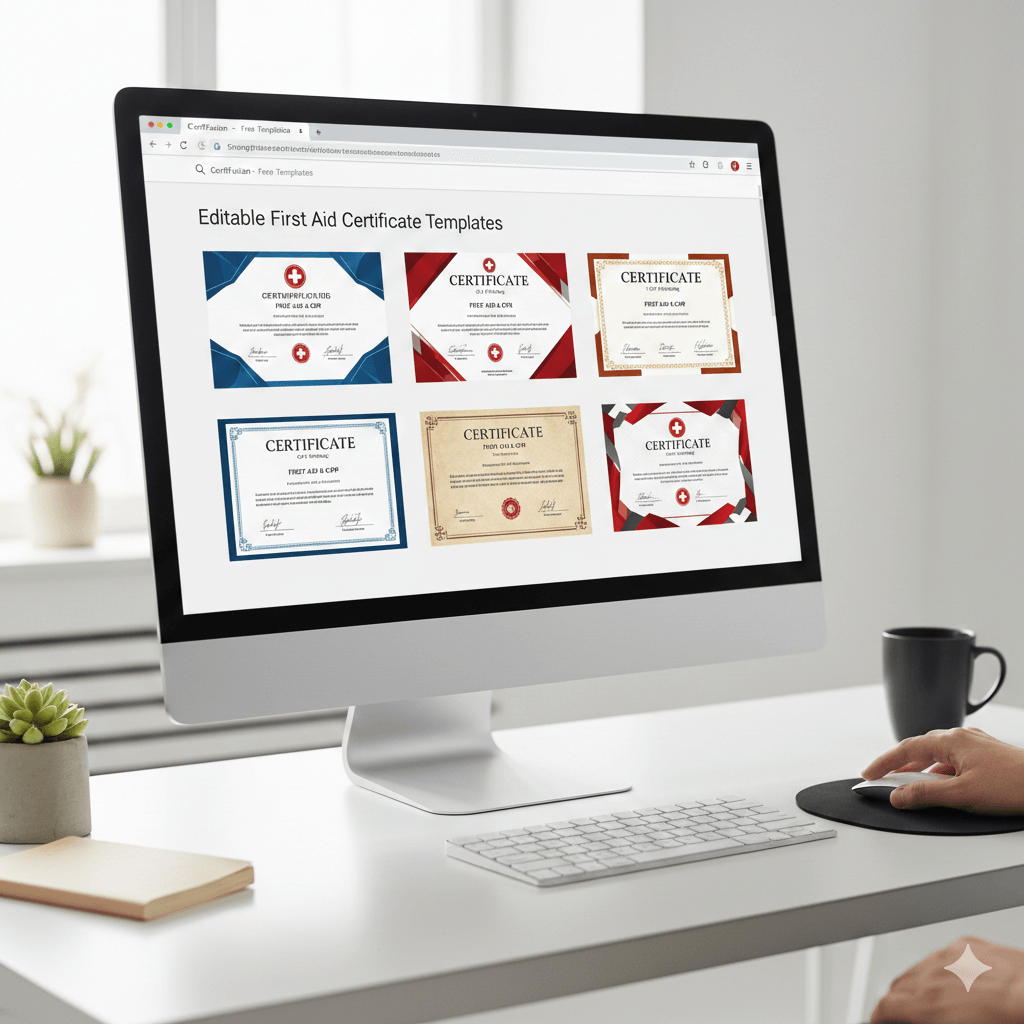
- Use a pre-designed template: Fast, professional, and ensures all elements are correctly aligned.
- Design from scratch: Offers more creative freedom if you want a unique certificate.
For most trainers, starting with a template saves time and reduces errors.
👉 Browse our free first aid certificate templates to get started.
2. Decide on the Layout
A clear, balanced layout is crucial. Consider:
- Orientation: Landscape is most common; portrait works for smaller certificates.
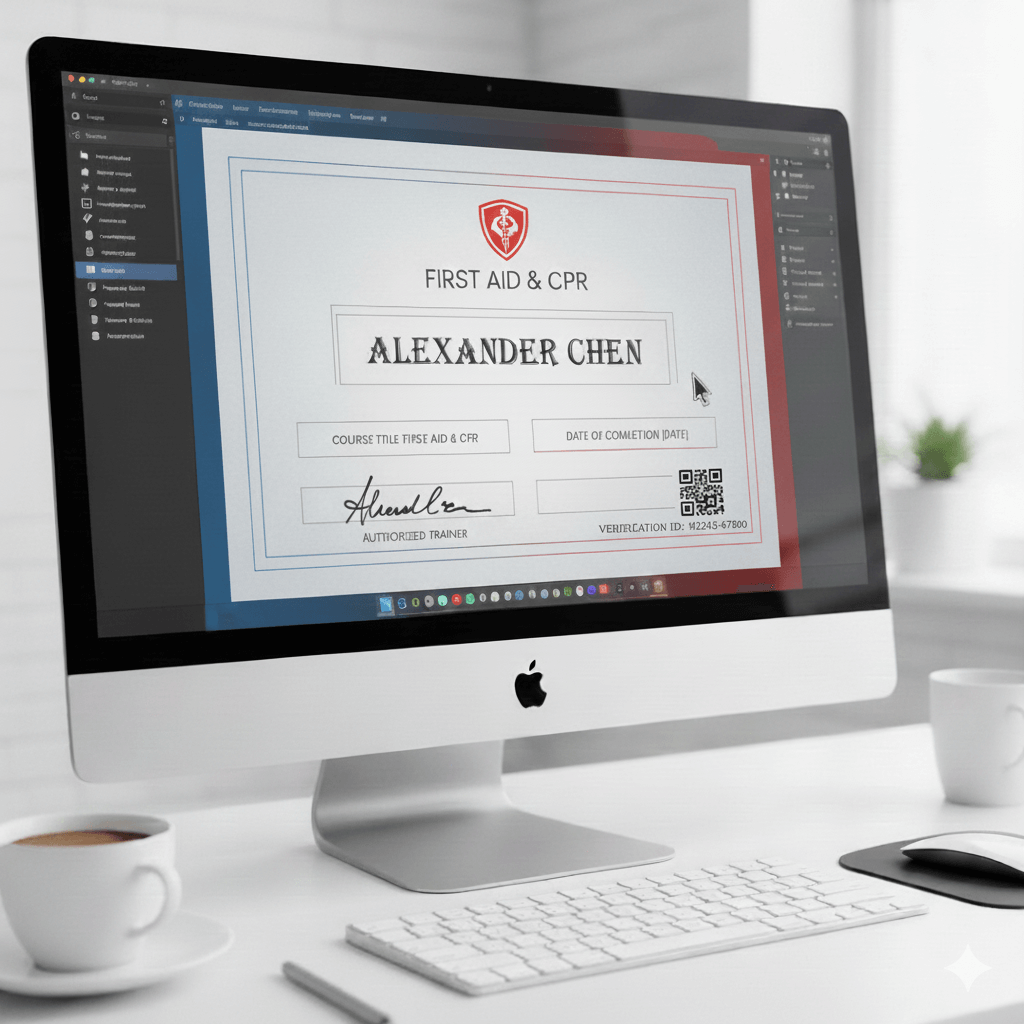
- Sections: Include course title, participant name, completion date, trainer name, and signature area.
- Spacing: Leave enough margin to avoid crowding text and logos.

3. Choose Fonts and Typography
- Use readable fonts like serif or sans-serif for official information.
- Use one decorative font for headings or names to make the certificate visually appealing.
- Keep font sizes consistent: larger for participant names, medium for course title, smaller for notes or ID numbers.

4. Add Branding and Logos
Adding logos boosts credibility and professionalism:
- Include your organization, training center, or partner logos.
- Optional: Add official certifications like Red Cross or NSC logos if applicable.
- Ensure logos are high-resolution and proportionally sized.

5. Use Colors and Borders Thoughtfully
- Stick to 2–3 main colors to avoid clutter.
- Use borders or frames to define the certificate edges.
- Red, blue, or green are commonly associated with first aid and safety.
- Keep background subtle to ensure text readability.

6. Include Verification Elements
To make your certificate authentic:
- Add unique certificate ID numbers.
- Include QR codes linking to course verification or completion proof.
- Provide a space for trainer signatures or digital approval.
7. Decide on File Format
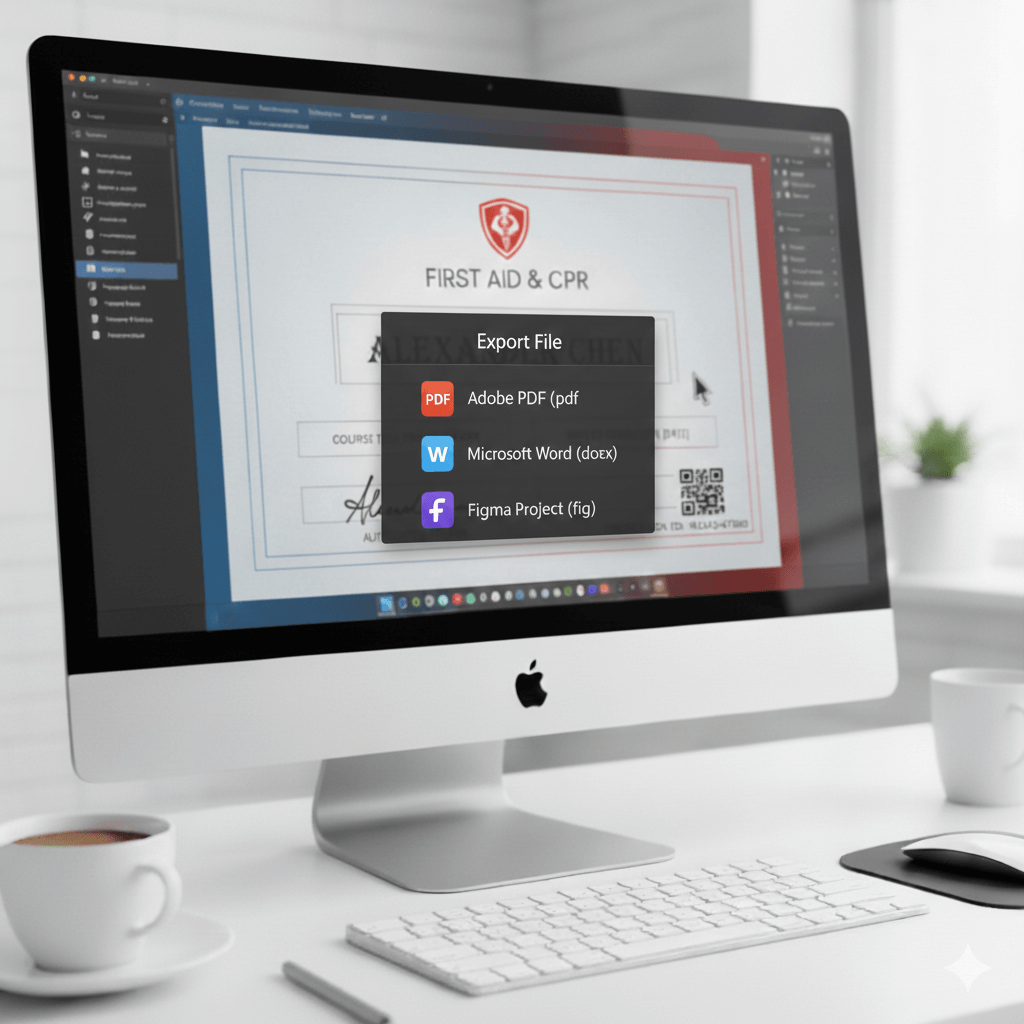
- PDF: Ideal for printing and sharing digitally.
- Word / Google Docs: Easy to edit for future participants.
- Figma / Canva: For full design flexibility and collaborative editing.
8. Save and Test Your Design
- Print a test copy to check alignment, colors, and spacing.
- Check digital version on desktop and mobile for clarity.
- Make adjustments before issuing certificates to participants.

Conclusion
Designing a first aid certificate combines professionalism, clarity, and a touch of creativity. By following these steps — choosing a template, structuring layout, selecting fonts and colors, adding logos and verification elements, and testing your design — you can create certificates that participants will proudly display.
Start with our free first aid certificate templates to save time and ensure your design is polished and professional.
Table of Contents
Related Articles
Discover more insights and stories that might interest you