Blank Certificate of Achievement Templates (Fill-in-the-Blank)
Sometimes, you don’t need a fully designed certificate — you just want a blank certificate of achievement that you can quickly fill in. Whether for classrooms, workshops, employee recognition, or events, these fill-in-the-blank templates let you add recipient names, dates, and achievements in seconds.
All templates are available in PDF, Word, and Figma formats.
Why Use Blank Certificate Templates?
Blank certificates are ideal when you want:
- Flexibility to personalize each award
- Quick handwritten or typed entries
- Clean, professional layouts without pre-filled text
- A universal design suitable for any occasion
You can also combine these with your Certificate of Achievement pillar page templates for more style options.
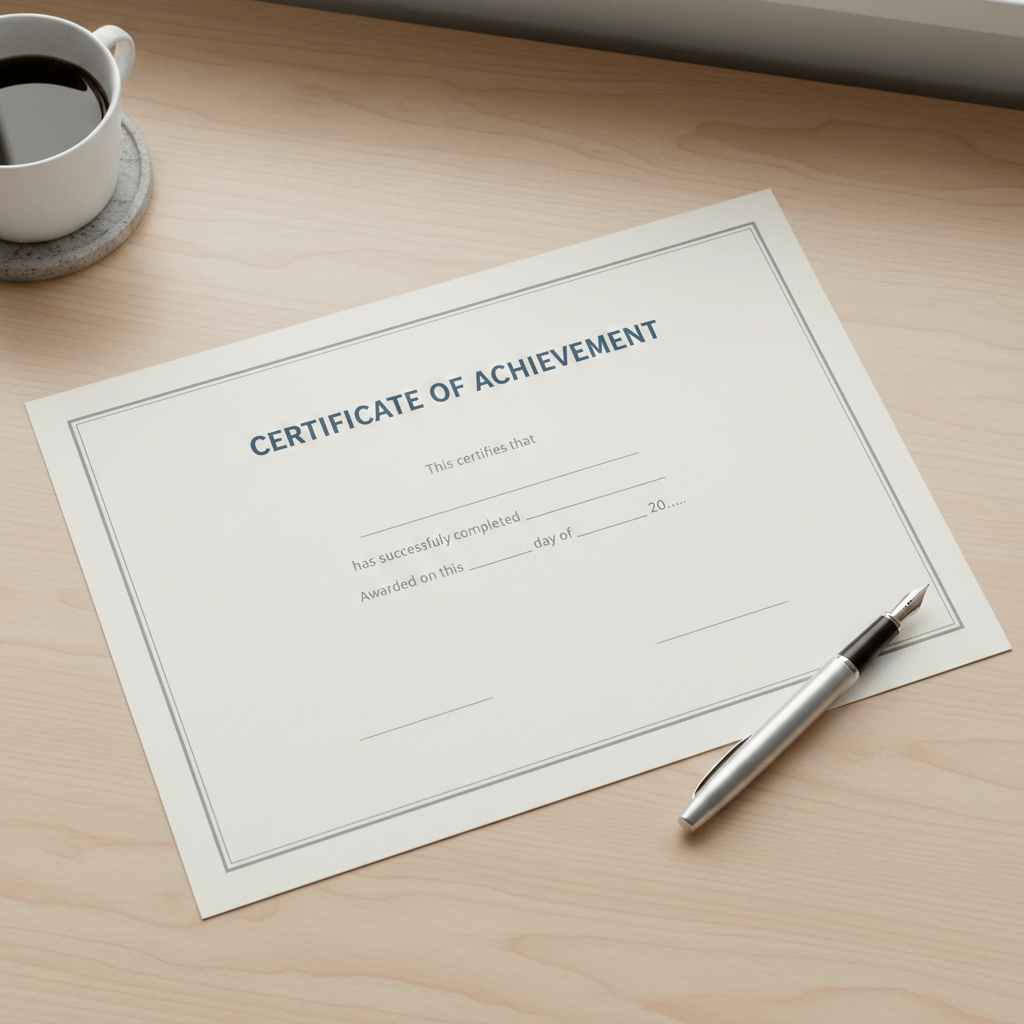
5 Free Fill-in-the-Blank Certificate Templates
Below are 5 versatile blank certificate templates you can download and customize instantly:
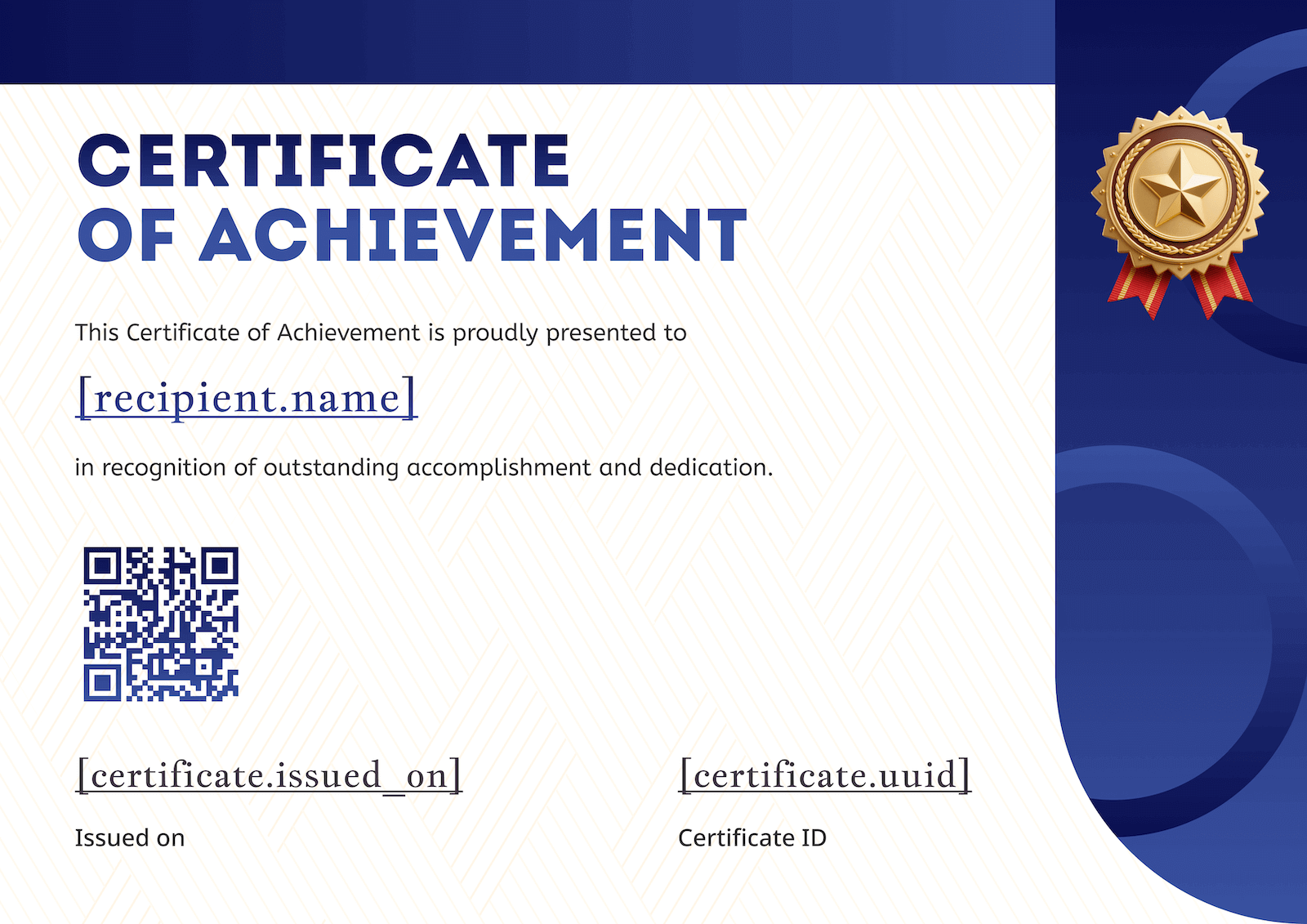
1. Professional Blue Certificate
A clean, corporate design featuring a bold blue border and a central star seal. This is the go-to choice for formal business recognition or official completions.
- Formats: PDF, Word, Figma.
- Download here.
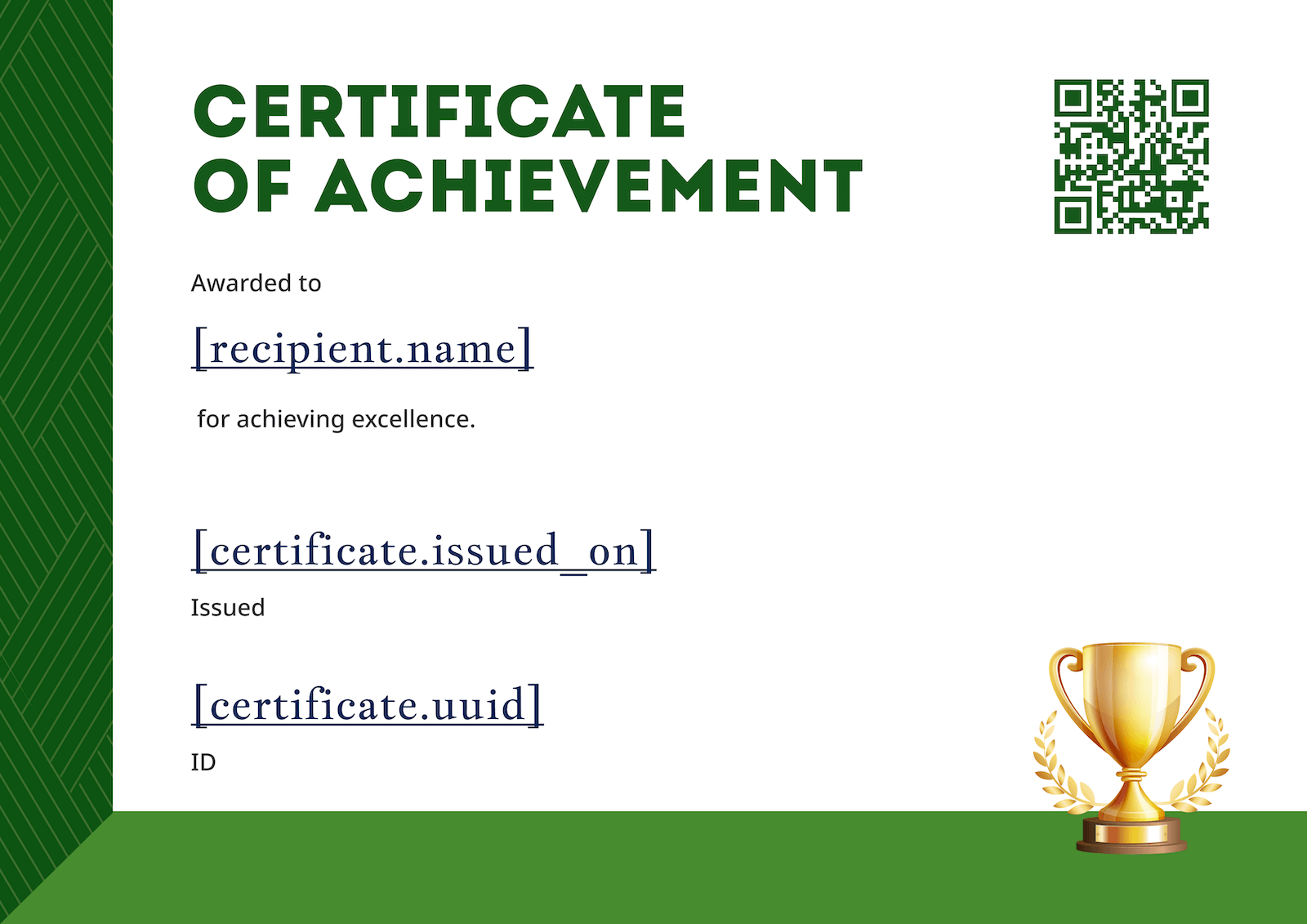
2. Modern Dark Green Certificate
A sophisticated option with an intricate, vintage-inspired green border. It balances traditional prestige with a modern, dark aesthetic.
- Formats: PDF, Word, Figma.
- Download here.
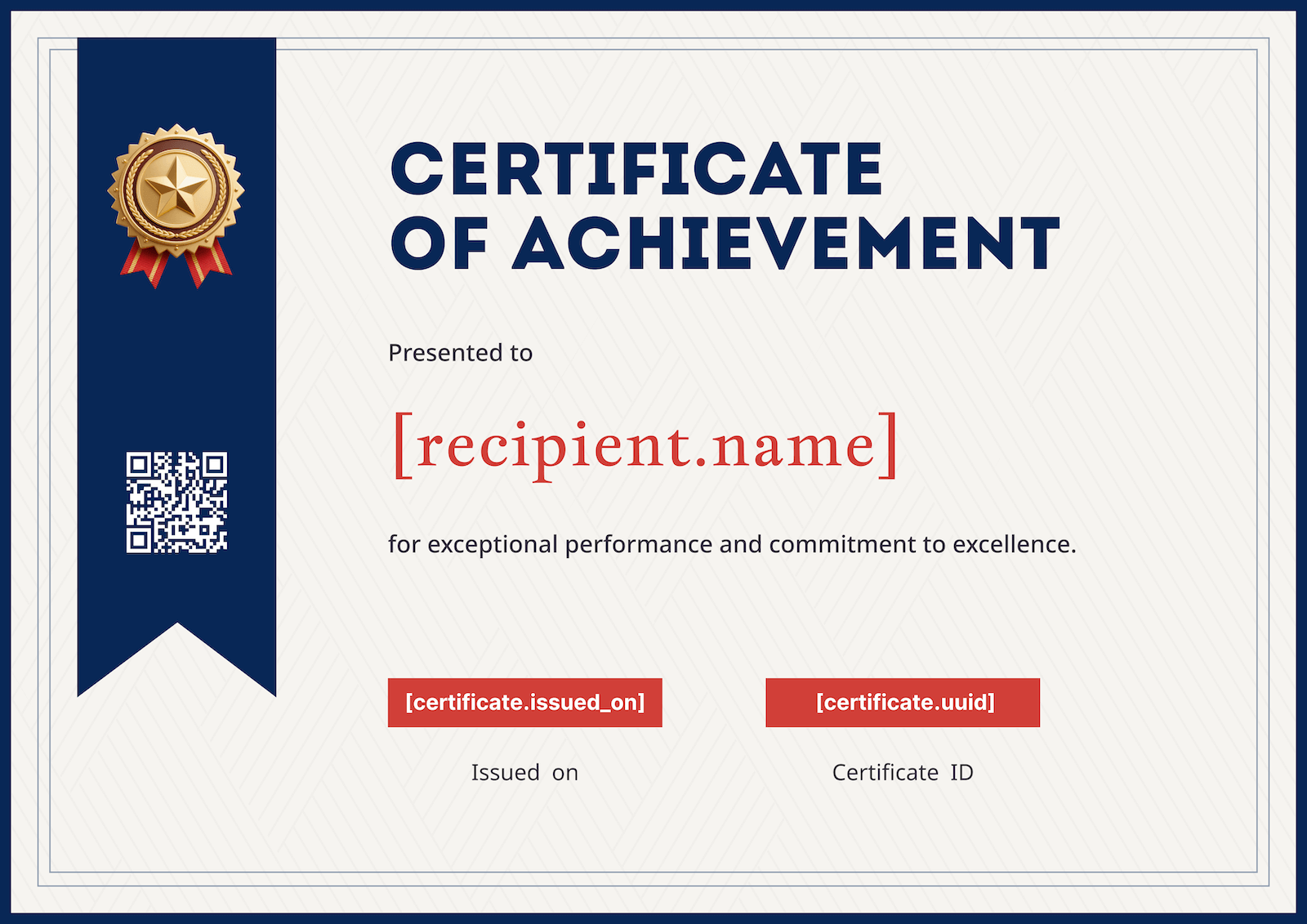
3. Red & Blue Multitone Certificate
A dynamic, high-energy design featuring sharp geometric shapes in deep red and navy blue. Perfect for sports, competitive events, or high-performance awards.
- Formats: PDF, Word, Figma.
- Download here.
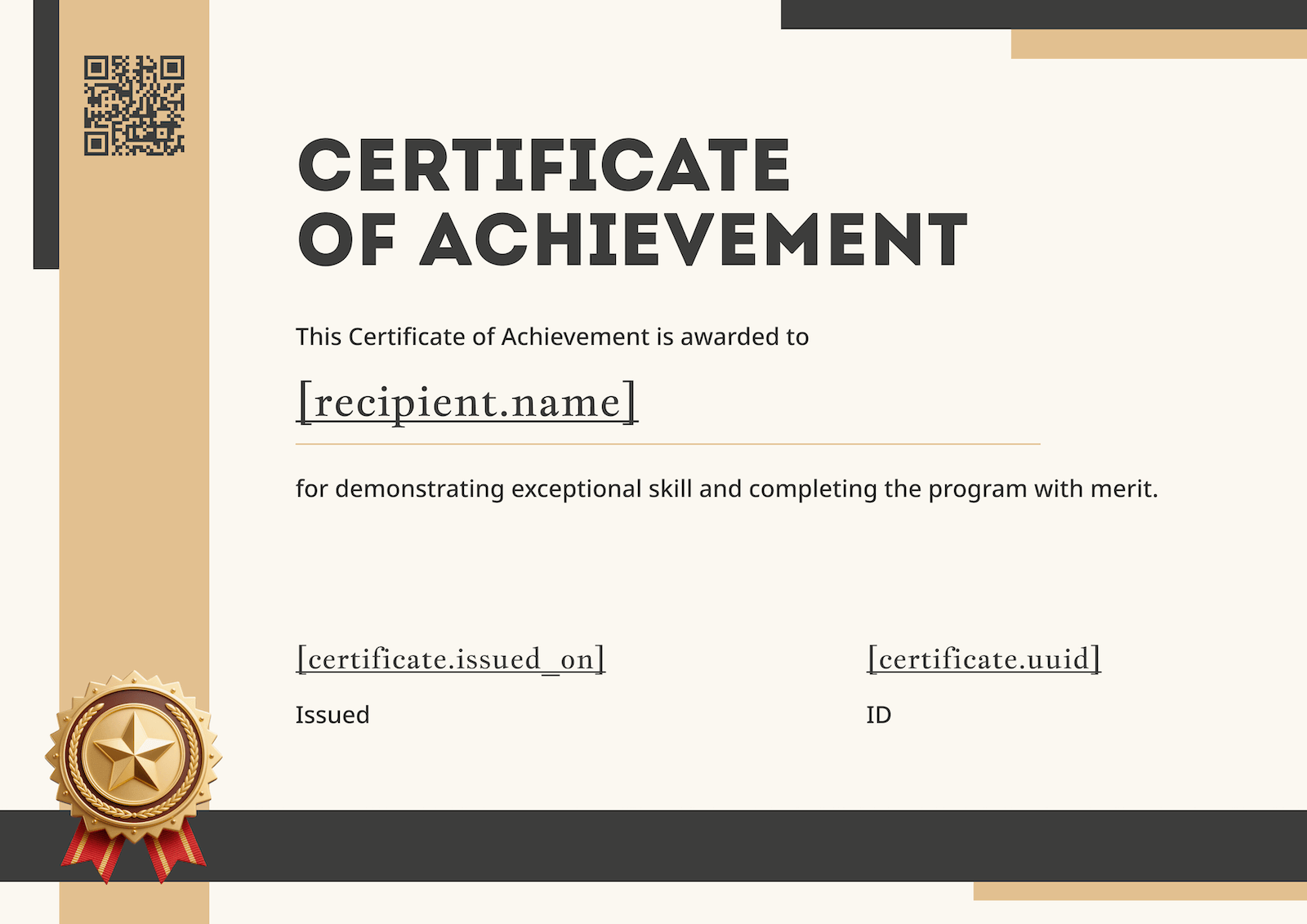
4. Geometric "Geotificad" Certificate
A contemporary layout using soft beige and brown geometric frames. This "Geotificad" style offers a warm, artistic look suitable for creative workshops or seminars.
- Formats: PDF, Word, Figma.
- Download here.
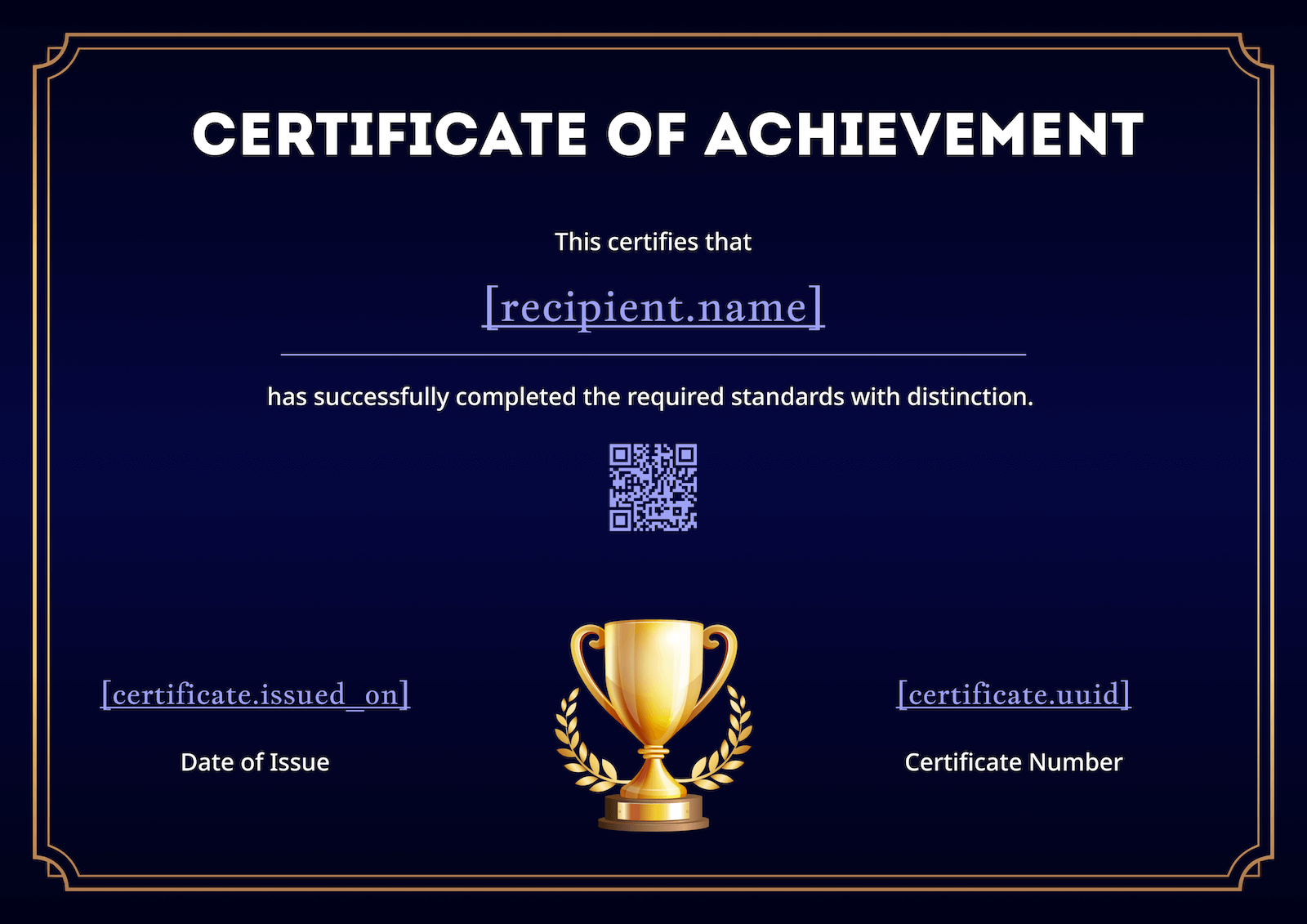
5. Golden Classic Blank Certificate
A minimalist yet high-end design featuring thin golden accents and a premium seal. Ideal for luxury brands, high-level certifications, or honorary mentions.
- Formats: PDF, Word, Figma.
- Download here.
How to Use Blank Certificate Templates
-
Download your preferred format: PDF, Word, or Figma.
-
Open in the respective editor:
- Word: type directly into text fields
- Figma: customize fonts, colors, logos, and layers
- PDF: use Adobe Acrobat or online editors
-
Add recipient name, achievement, date, and signature
-
Print or share digitally

Benefits of Using Fill-in-the-Blank Certificates
- Flexible & fast: no pre-filled design elements to remove
- Professional appearance: clean layouts make your awards look credible
- Universal: use for students, employees, course participants, workshops, and events
- Editable formats: adjust colors, fonts, logos, or add QR codes
Want More Templates?
These 5 blank templates are just a start. Visit the Certificate of Achievement pillar page for:
- 10+ more editable templates
- Auto-fill options for bulk certificate creation
- Pre-designed styles (classic, modern, corporate, playful)
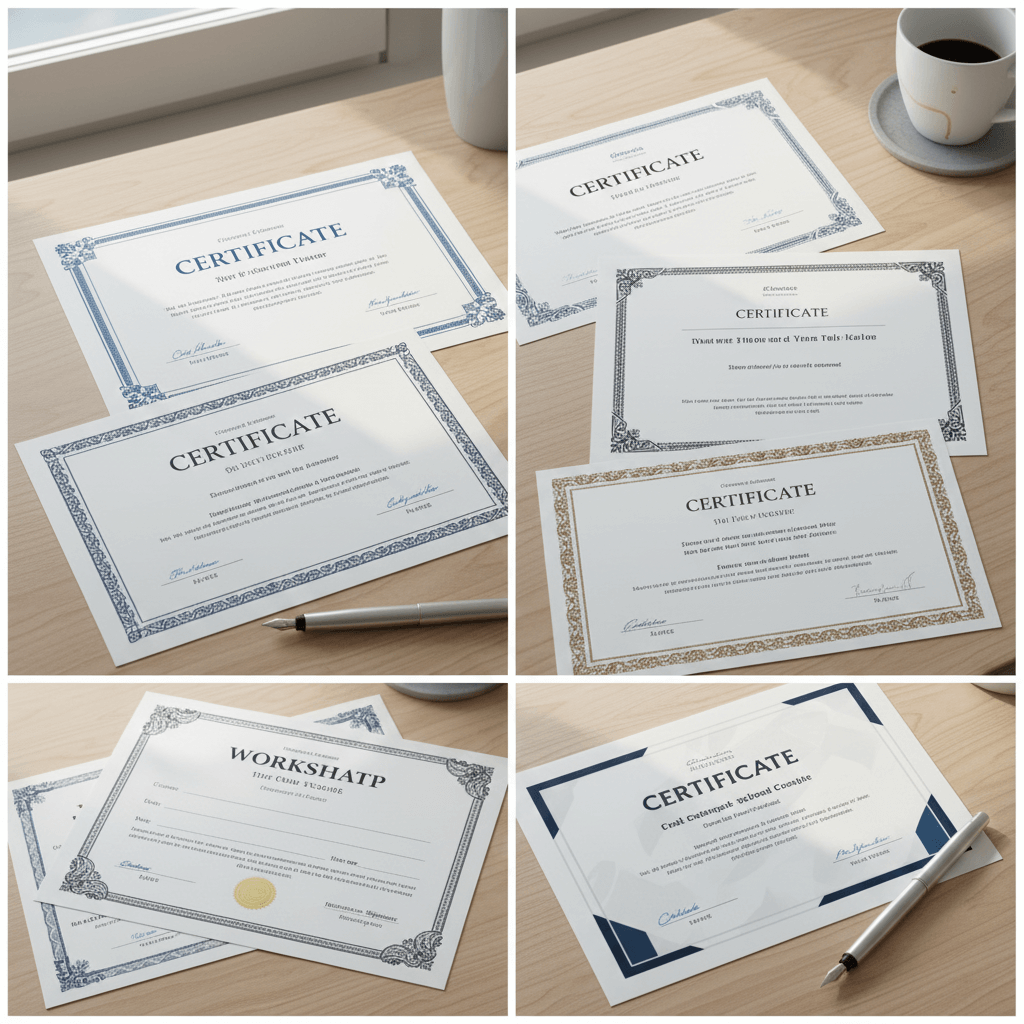
Download more certificate of achievement templates from CertFusion free templates hub.
Pro Tip: Automate Your Certificates
Combine blank templates with tools like CertFusion to:
- Auto-fill participant names and dates
- Generate hundreds of certificates instantly
- Add unique certificate IDs and QR codes for verification
Table of Contents
Related Articles
Discover more insights and stories that might interest you